9 Social Media Automation Mistakes That Hurt Your Brand
The most common social media automation mistakes, from tone-deaf scheduled posts to ignored comments, and how to fix each one before it costs you followers.
Automation rarely wrecks a brand on its own. What does the damage is a handful of predictable habits that tools make easy to fall into. A scheduled post goes out during a crisis. The same line lands on six networks. Comments sit unanswered for two weeks. Each one is small, and each one is avoidable.
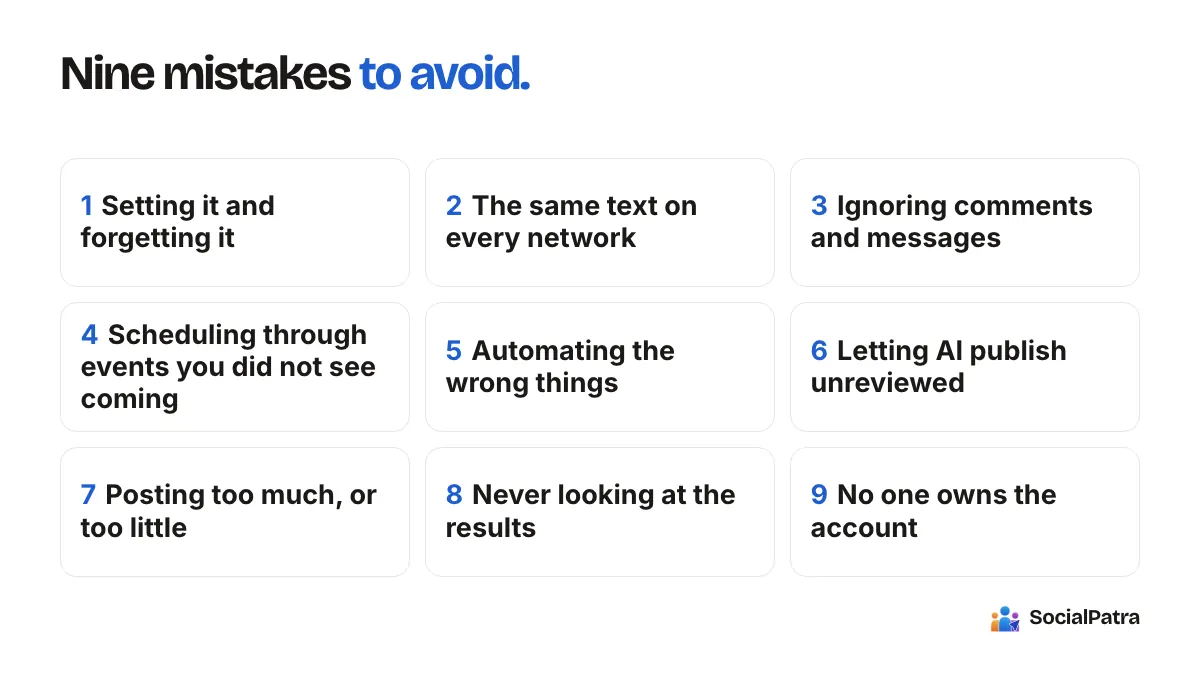
Here are nine mistakes we see most, with the fix for each. Some are about how you use a scheduler, some are about what you choose to automate, and a couple are about the people side of the job.
1. Setting it and forgetting it
The most common mistake is also the simplest. You schedule a month of posts, close the laptop, and stop looking. Three weeks later something has changed (a product was discontinued, a price moved, a link broke) and the queue is still cheerfully promoting it.
Fix: Treat the queue as a living document. Put a ten-minute review on your calendar each week and scan what's coming in the next seven days. In SocialPatra, scheduled posts stay in your queue where you can edit, reschedule or cancel them until they publish, so changing course is cheap. Our guide to scheduling with time slots shows where to find them.
2. Posting the same text on every network
Copy-paste feels efficient. It also reads as lazy, and it often breaks on the platform. Limits differ a lot: Twitter (X) allows 280 characters, Bluesky 300, Threads and Mastodon 500, Instagram captions 2,200, and LinkedIn 3,000. Instagram needs an image or video on every post. A paragraph-long LinkedIn post doesn't fit in a tweet, and a tweet looks thin on LinkedIn.
Fix: Write for the shortest network first, then expand for the others where it adds value. Treat each platform as a different room with different manners. Our getting started guide suggests writing to your shortest platform first, which keeps the core message intact.
3. Ignoring comments and messages
An account that broadcasts but never answers looks abandoned. People who ask questions in public and get silence tend to remember it.
Fix: Schedule time for replies as seriously as you schedule posts. Use the social inbox to see comments, mentions and messages from your connected accounts in one place, and reply from there. Saved replies with shortcuts handle repetitive questions, and you still review each one before it sends.
4. Scheduling through events you didn't see coming
Your cheerful Thursday promotion is already in the queue when something serious happens in the news or in your industry. A tone-deaf post at the wrong moment can undo months of goodwill.
Fix: Keep a pause habit. When something major happens, open the queue and review what's due in the next day or two. Because scheduled posts are editable, you can cancel or reschedule rather than hope for the best. Also leave a few slots open each week so you aren't over-committed to a rigid plan.
5. Automating the wrong things
Auto-following, auto-commenting on strangers' posts, and generic automated direct messages are the classic examples. They're easy to build, and they tend to be what platforms penalize and audiences resent.
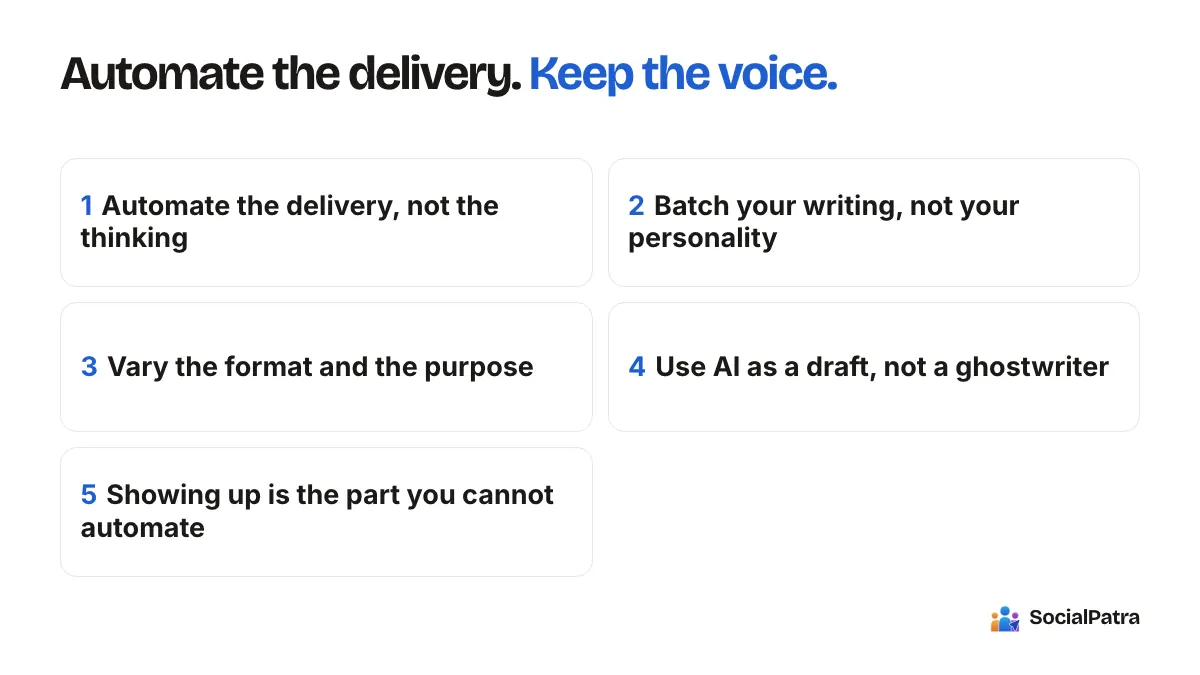
Fix: Automate delivery, not relationships. Publishing, scheduling, reporting and content preparation are safe territory. Anything that imitates a personal interaction should be done by a person. We cover the rules side in our article on compliance and platform terms, and the broader question in what to automate and what to post manually.
6. Letting AI publish unreviewed
AI can write a decent first draft quickly, but it doesn't know your customers, your history, or what you said last week. Unreviewed output tends to sound generic, and occasionally gets a detail wrong.
Fix: Treat AI as a drafting assistant. With AI Generate, you get a post you can edit and send to the composer. AI generation is part of the paid plans. Add something only you know, check any fact it states, and read it aloud before scheduling. The same applies to content generated by Autopilot and RSS rewrites: start by having items land as drafts, and move to auto-publish only if the quality earns it.
7. Posting too much, or too little
Two opposite problems, both common. Some people schedule so many posts that the feed becomes noise. Others automate, feel done, and post once a month. Neither builds an audience.
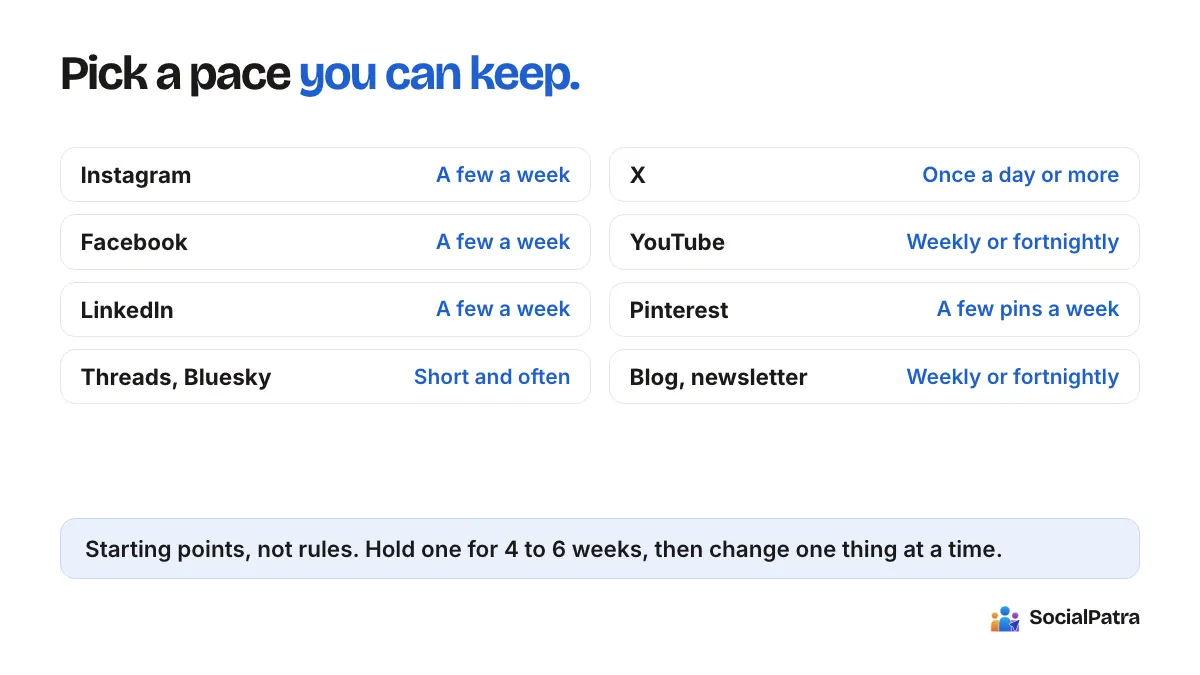
Fix: Pick a cadence you can sustain with real content behind it, and hold it for a month before changing it. For more on per-platform frequency, see how often to post on social media. Quality that you can keep up beats volume that dries up.
8. Never looking at the results
If you don't check what happened, you can't improve. Plenty of people automate their posting and never open an analytics page, so a post type that flops keeps going out forever.
Fix: Do a weekly five-minute review. Performance tracking shows reach, impressions, likes, comments, shares, clicks and engagement across your connected platforms, so you can see what worked and do more of it. Decide in advance which two or three numbers matter to you, so the data leads to a decision. Our piece on metrics that matter goes deeper.
9. No one owns the account
In teams and agencies, automation can create a quiet gap: everyone assumes someone else is watching the queue. Posts go out unchecked, or a former employee still has access.
Fix: Name an owner for each account or client. Use roles so people only have the access they need, and use approvals where a second set of eyes is warranted. In SocialPatra, a post can be sent for approval and then approved or rejected before it goes live. Agencies get a cleaner setup by giving every client a separate workspace, so one client's posts and accounts can't get mixed up with another's.
A short pre-flight checklist
Before you leave a batch of scheduled posts alone, run through this list:
- Every link works and goes where it should.
- Every post says something true today.
- No two posts back to back say the same thing.
- The tone suits each platform it's going to.
- A few slots are free for live moments.
- You know when you will next check replies.
How these mistakes connect
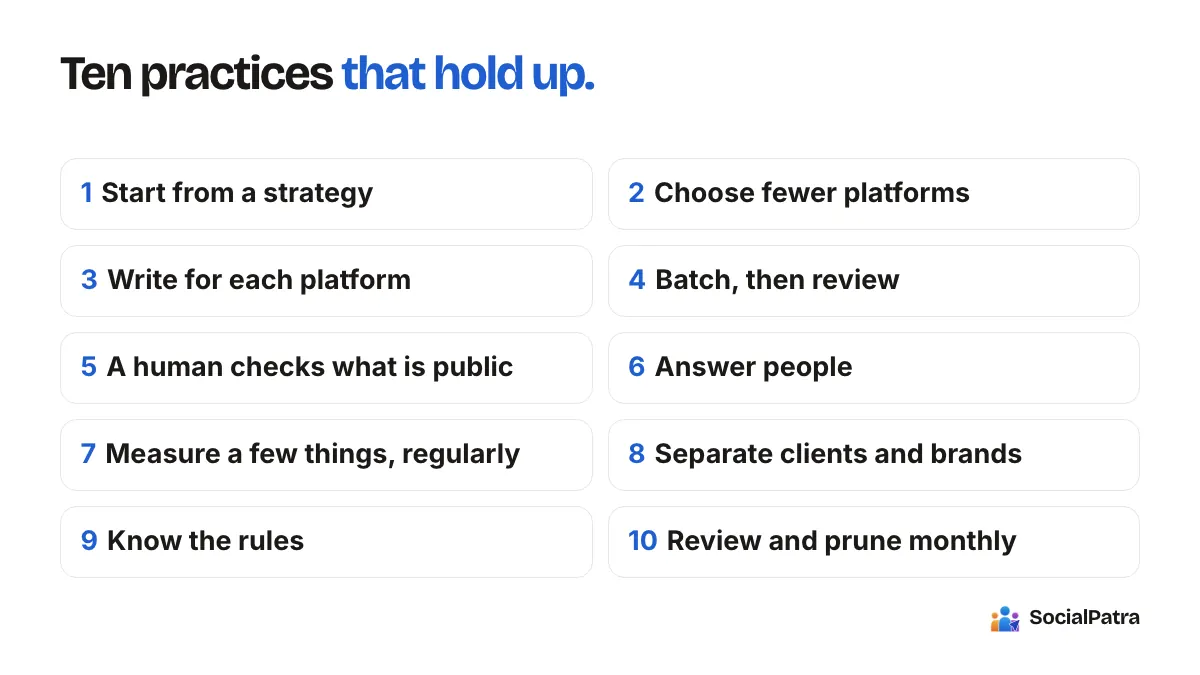
Looking at the list as a whole, almost all of these come from the same root: removing the person from a process that needs one. The fixes all put a human back in at the right point, which is review, not typing. Automation should shrink the logistics so that your attention goes where it matters: what you say, and who you say it to.
FAQ
What is the biggest social media automation mistake?
Setting posts and never looking at them again. Things change, and an unreviewed queue keeps promoting outdated information. A short weekly check prevents most problems.
Can I edit or cancel a scheduled post?
Yes. Until it publishes, a scheduled post sits in your queue and you can edit it, reschedule it or cancel it.
Is automation bad for engagement?
Not by itself. Engagement drops when automation replaces conversation. Schedule the posting, and keep replying personally.
Should I automate replies to comments?
Only for routine questions, and only with your review. Saved replies are a good middle ground because they save typing without removing your judgment.
Fix your queue before it costs you followers. Pick a plan.
SocialPatra is built to avoid these mistakes: see how its social media automation workflow handles scheduling, approvals and per-platform limits.