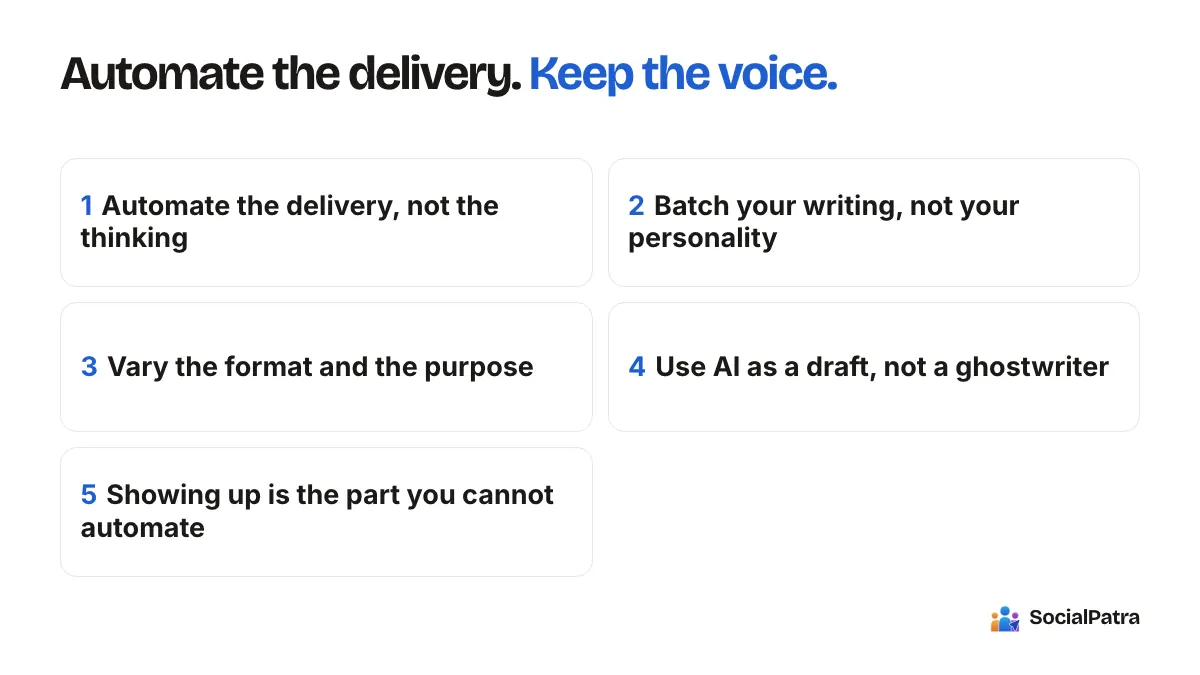
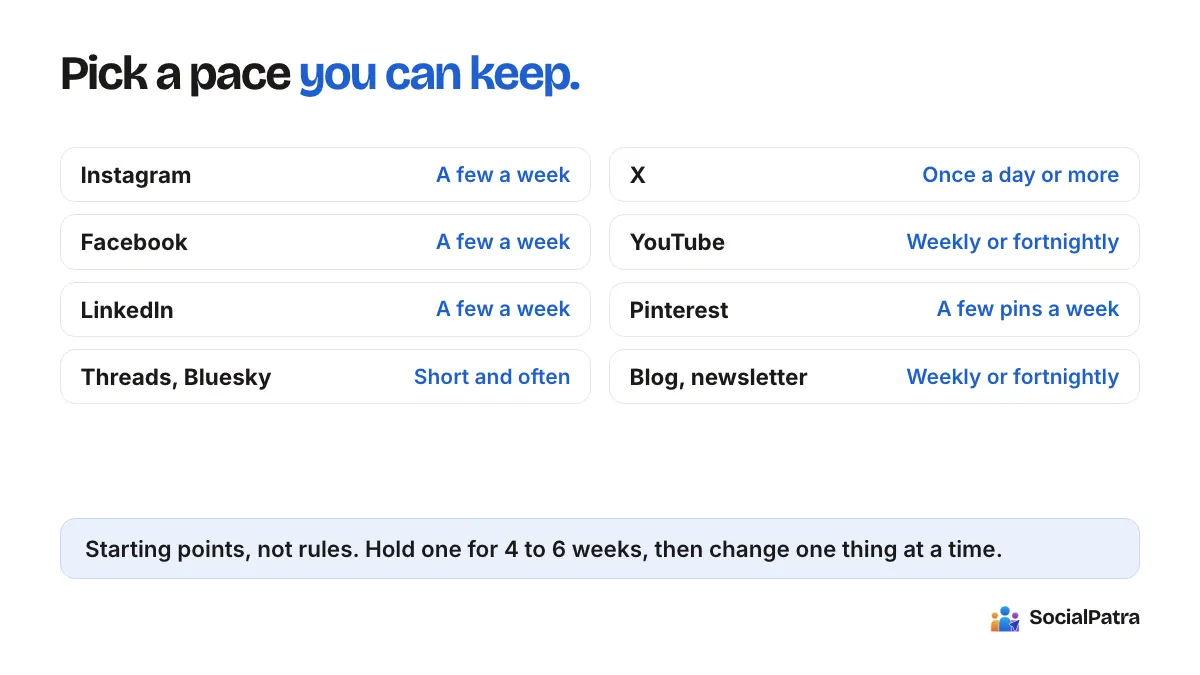
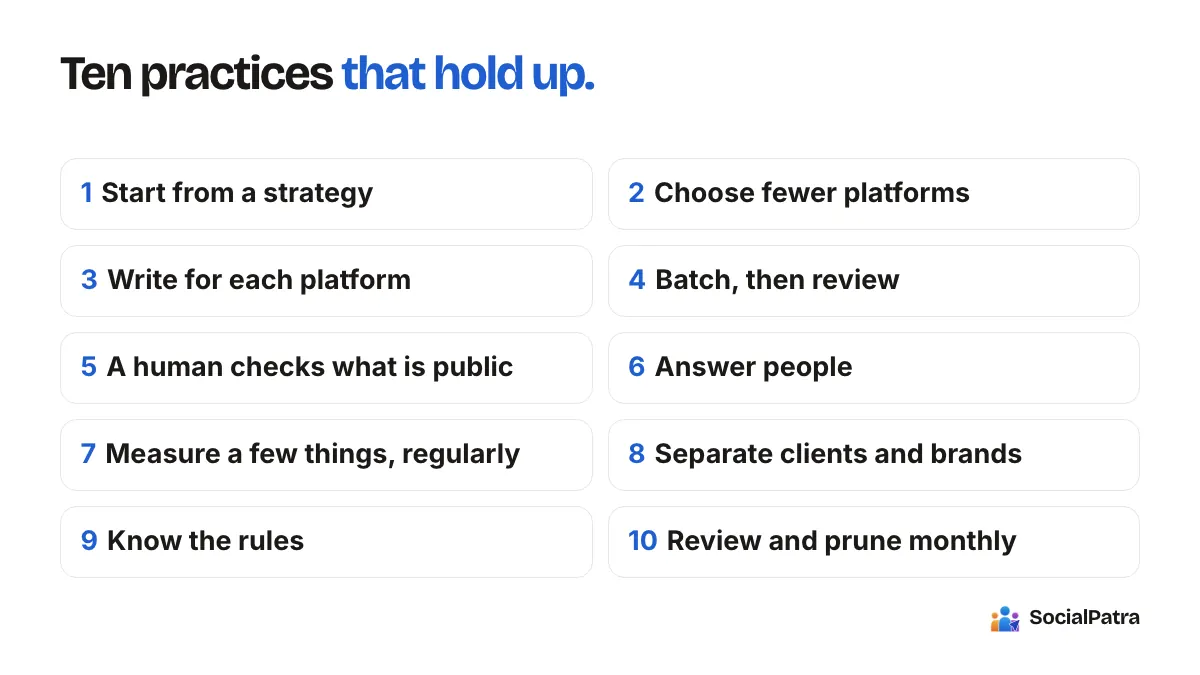
What to Automate on Social Media (and What Not To)
A practical way to decide which social media tasks to automate and which to keep manual, including how to automate without hiring a freelancer.
When you run a small business or a one-person brand, social media can eat an hour here and twenty minutes there until the whole week has disappeared into it. Two questions come up again and again. Should I automate this? And is automation even right for my business, or should I just hire a freelancer?
There's no universal answer, but there is a useful way to decide. This article gives you a short framework, a sorted list of tasks, and a realistic setup for doing most of it yourself without paying anyone to run your accounts.
The test: is it repetitive, and does it need your judgment?
Every social media task sits somewhere on two axes. How repetitive is it? And how much does it depend on you being present, with context, in the moment?
- High repetition, low judgment: automate it. Publishing at set times, posting the same evergreen tip every few weeks, pulling in new blog posts.
- High repetition, high judgment: semi-automate. Let the tool prepare and queue it, but review before it goes out. Replies to common questions fit here.
- Low repetition, high judgment: do it by hand. A response to a customer complaint, a post reacting to news, a thank-you to a specific person.
- Low repetition, low judgment: do it whenever it comes up, or skip it.
Most of the time you save comes from the first group, and most of the damage comes from automating the third.
What is worth automating
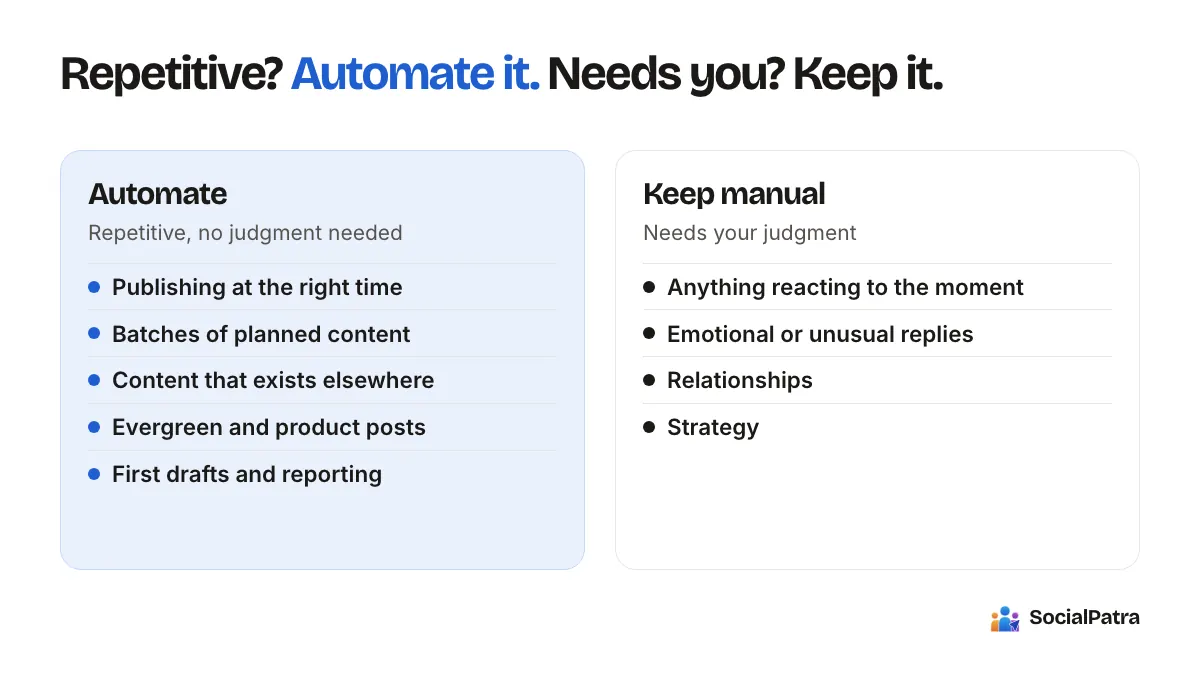
Publishing at the right time
This is the easiest win. Writing a post is one job; remembering to publish it at 9am on a weekday is another. In SocialPatra you write once in the composer, pick the connected accounts, and set a date and time. Standing time slots per account mean you stop choosing times one post at a time, and saved posting schedules can be applied to all accounts, specific platforms or specific accounts.
Batches of planned content
If you already know a month of what you want to say, load it in one go. Bulk CSV import lets you upload a spreadsheet, review it, and schedule the lot. It's a good fit for a launch calendar or a content plan you worked out with your team.
Content that already exists elsewhere
If you publish a blog or a podcast, there is no reason to copy and paste each new item into five networks. RSS automation turns new feed items into posts, and you can choose to have them land as drafts for review or publish automatically. Start with drafts until you trust the output.
Evergreen and product posts
A tip that was useful in March is still useful in October. Rather than rewriting it from scratch, Autopilot builds a steady calendar of posts about the products in your catalog, with a tone you set and a mix of promotional, educational, tips, testimonial and behind-the-scenes angles. It's built for the grind of "what do I post when nothing new happened." See the Autopilot guide.
First drafts
Starting from a blank page is slow. AI Generate can turn a prompt or pasted text into a draft you then edit. AI generation is included on the paid plans. Use it for speed, not for the final word.
Reporting
Checking five dashboards is a chore a tool should do for you. Cross-platform analytics put reach, engagement and clicks for your accounts in one place so a weekly review takes minutes.
What to keep manual
Anything reacting to the moment
News, a viral thread in your niche, a local event, a service outage. These are the posts that make an account feel alive, and a scheduled queue can't know about them. Keep a few slots open each week for exactly this.
Replies to anything emotional or unusual
Routine questions about hours or shipping are fine to answer with a saved reply, which you still review before sending. A frustrated customer or a sensitive question deserves a person. The social inbox puts comments, mentions and messages in one place so you can reach those quickly, but the writing should be yours.
Relationships
Commenting on other people's posts, thanking someone who shared your work, starting a conversation with a potential partner. Automating these tends to backfire, and most platforms' rules discourage it. If you're curious about the rules, read our piece on compliance and platform terms.
Strategy
Deciding what you stand for, who you're talking to, and what to stop doing is not a task for a scheduler. Review your results once a month and adjust.
Is automation right for my business?
It usually is if any of these are true:
- You post on more than one network and keep copying the same thing around.
- You know what you want to post but lose time on the logistics.
- Your posting gets patchy during busy weeks, and consistency suffers.
- You manage more than one brand or client and the context-switching is costing you.
It's probably not the main thing you need if you have no idea what to say yet. A scheduler won't fix a lack of ideas, and posting more of something nobody wants doesn't help. In that case, spend a few weeks posting manually, see what gets a response, and automate the patterns that work.
Also be honest about platforms. Some businesses get most of their value from one network. If your customers are on LinkedIn and Instagram, there's no need to be on every network SocialPatra supports (which include Facebook, Instagram, LinkedIn, Twitter (X), Threads, Pinterest, Reddit, YouTube, Tumblr, Mastodon, Bluesky, Telegram, Discord, Slack, Medium, Dev.to, Hashnode and WordPress). Pick the two where your audience really is.
Doing it without a freelancer
Many people ask whether they need to hire someone before automating. For a solo creator or small shop, usually not. Here's a setup you can run yourself in about two hours a week:
- Connect the accounts that matter, two or three to begin with. The getting started guide walks through it.
- Set posting times per account once.
- Write or draft a week of posts in one session. Use AI for first drafts if your plan includes it.
- Add one feed (your blog) via RSS, sending items to drafts.
- Spend ten minutes a day on replies.
- Check performance once a week and note which posts earned conversation.
A freelancer or agency makes sense when you need strategy, design and community management at a level you can't do yourself, or when you're managing many clients. If you are an agency, workspaces keep each client's accounts, schedules and team separate.
Start small and review after a month
Pick one task from the "automate" list and run it for four weeks. Compare your time spent and your results against the month before. Add the next task only once the first one runs without you thinking about it.
FAQ
Can I automate everything and still get results?
You can automate delivery and some drafting, but results come from relevance and conversation. An account that posts on schedule and never replies will usually underperform one that posts less and engages more.
Do I need to be technical to automate social media?
No. Scheduling, time slots, CSV import and RSS are all point-and-click. A developer API exists for people who want to connect their own tools, but you never need it to get started.
What should I automate first?
Scheduling. It saves time immediately and carries almost no risk, because you still write every word yourself.
How do I know if automation is hurting my brand?
Watch for unanswered comments, repetitive posts, and falling engagement. If those appear, pull back the automated parts that remove human judgment and keep the logistics.
Want to see how much of this you can hand off? Pick a plan.
Decide your own split, then set it up in a social media automation tool that automates the routine and leaves the personal posts to you.