How to Automate Social Media Without Losing Your Voice
Automation doesn't have to make your feed feel robotic. Here's how to keep posts personal, avoid looking spammy, and still save hours every week.
The question comes up constantly: how do I automate my social media without looking spammy? It's the right question. Most people have scrolled past an account that clearly runs on autopilot, with the same stiff caption every day and a comment section nobody answers. Nobody wants to be that account.
The good news is that the problem was never the automation. It's what people choose to automate. Scheduling a post you wrote yourself is invisible to your audience. A feed of recycled, context-free filler is obvious from the first scroll. This article is about drawing that line, and about the habits that keep an automated feed feeling like a person runs it.
Why automated accounts feel fake
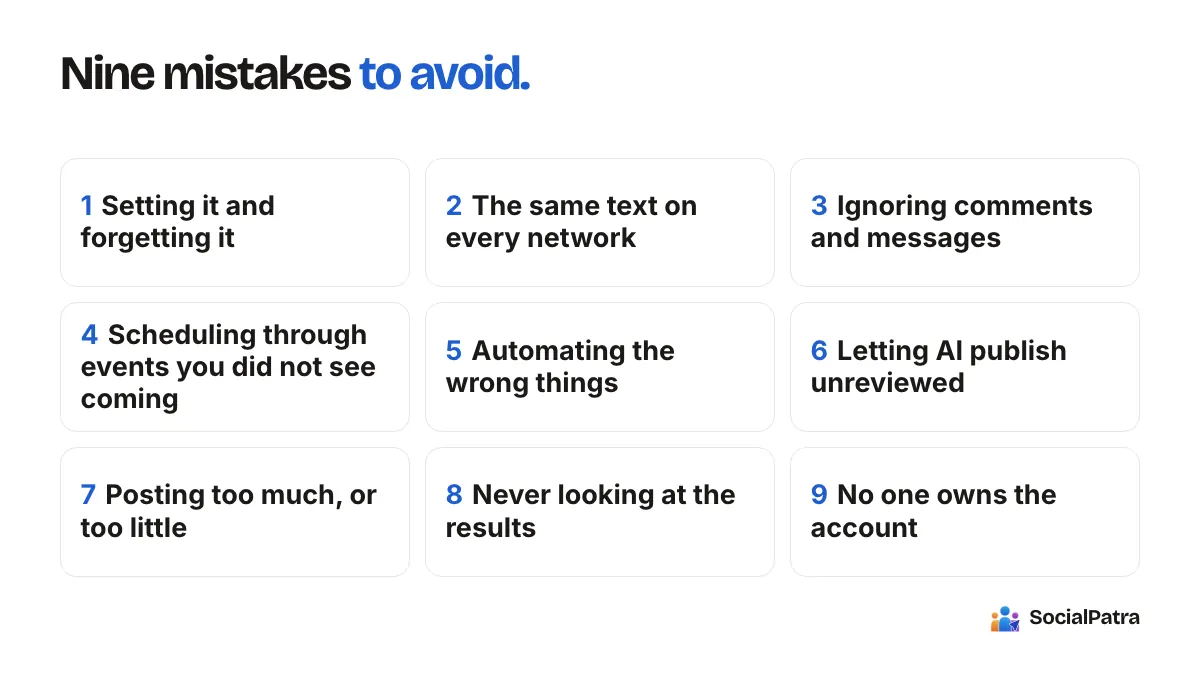
Audiences don't care how a post got published. They care whether it sounds like someone who is paying attention. Automated feeds get that "robot" feeling for a few specific reasons:
- Every post has the same shape: same length, same opener, same closing line.
- Posts ignore what's happening right now. A cheerful promo goes out on a day your industry is talking about something serious.
- The same text is pasted unchanged onto every network, even where the tone doesn't fit.
- Comments and messages pile up unanswered, so the account talks but never listens.
Notice that none of these require a tool. A person posting manually can do all four. Automation just makes them easier to do at scale, which is why the fix is a set of habits rather than a rule against scheduling.
Automate the delivery, not the thinking
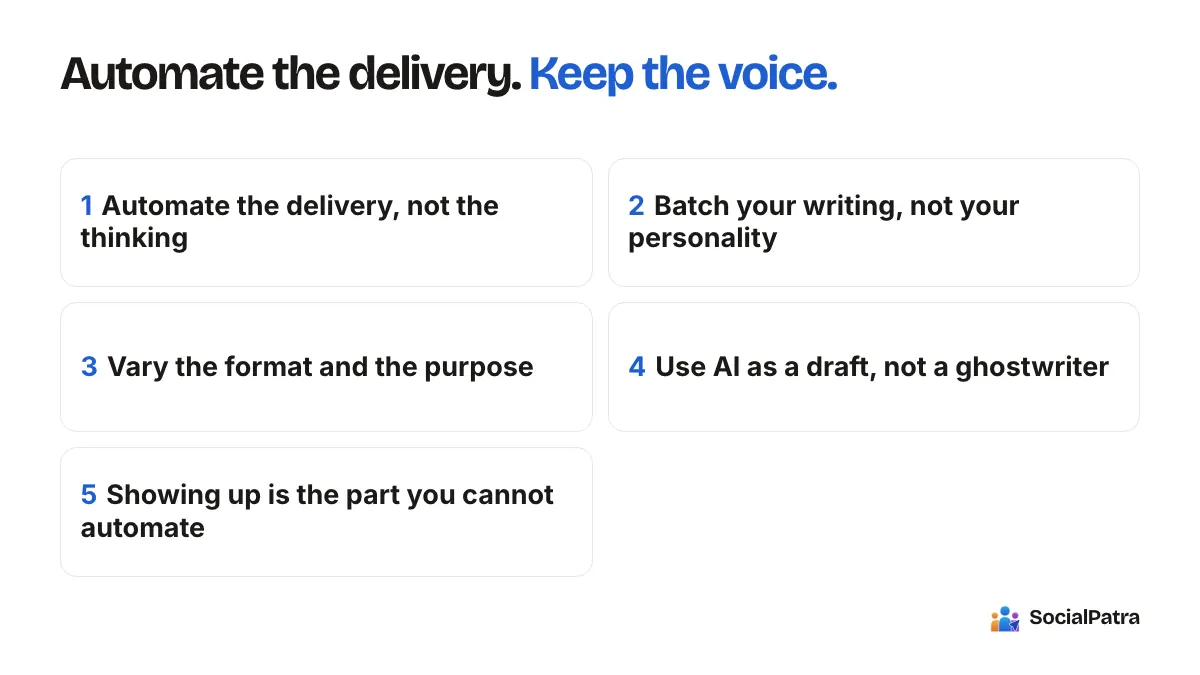
Here's the principle that does most of the work: automate when and where a post goes out, and keep a human on what it says.
If you're a solo creator running one Instagram account and a newsletter, you probably already know what you want to say this week. The painful part is remembering to post it on Tuesday at 9, then again on Thursday, then adapting it for another network. That's the part to hand off. In SocialPatra you write the post once in the composer, pick the accounts it should go to, and set a date and time. The words are still yours. The calendar is what's automated.
Our guide to scheduling with time slots covers how to set standing posting times per account, so that part of the job stops costing you attention at all.
Batch your writing, not your personality
Writing a month of posts in one sitting is efficient, but it has a trap: posts written in a hurry on a Sunday can drift into a flat, same-same tone. A few ways to avoid it:
- Write in short sessions with a different prompt each time. One session for stories from the week, one for tips, one for questions you want to ask your audience.
- Read each post aloud before you schedule it. If you wouldn't say it to a customer standing in front of you, rewrite it.
- Leave gaps. Don't schedule every slot. Keep a few open for things that happen in real time, like a reply that sparks an idea or a news item worth commenting on.
If you prefer to work from a spreadsheet, bulk CSV import lets you load a whole batch and review it before anything is committed. That review step is exactly where you catch the posts that sound off.
Vary the format and the purpose
A feed that only ever sells reads as spam, however well it's scheduled. Mix the purpose of your posts: something useful, something behind the scenes, something that asks a question, and only then something promotional. Autopilot, SocialPatra's tool for steady product posts, builds this in. You set a tone, name your target audience, and it rotates through promotional, educational, tips, testimonial and behind-the-scenes variations instead of repeating one type. If you use it, read what it produces before it goes out, and adjust the tone setting until the output sounds like you. You can read more in the Autopilot guide.
Format variety matters too. Platforms differ in what they accept: Twitter (X) allows 280 characters and four media items, Instagram captions run to 2,200 characters and every post needs an image or video, LinkedIn allows up to 3,000 characters, and Bluesky caps at 300. A post that works as a long LinkedIn reflection won't work as a tweet. Writing for the platform, not copying across, is one of the strongest signals that a human is behind the account.
Use AI as a draft, not a ghostwriter
AI can get you from a blinking cursor to a first draft quickly. SocialPatra's AI Generate takes a prompt or a block of your own text and returns a post you can edit and send to the composer. AI generation is included with paid plans.
The way to keep it authentic is to treat the output as a rough draft. Add a detail only you know: the customer who asked this question last week, the mistake you made, the number from your own results. Generic AI copy sounds generic precisely because it contains no specifics. A single real detail turns it into your post.
The same goes for content pulled in automatically. With RSS automation you can send new items from a feed to your accounts as drafts first, so you add your own take before anything publishes, instead of auto-publishing a bare headline and link. Curated posts with a sentence of your own opinion read very differently from raw link dumps.
The part that can't be automated: showing up
The fastest way for an automated account to feel fake is silence. If someone comments and gets nothing back for a week, the scheduling tool isn't the problem, but it takes the blame.
Block fifteen minutes a day, or even three times a week, for replies. The social inbox pulls comments, mentions and messages from your connected accounts into one place, and your reply goes back to the original platform. Saved replies, with shortcuts like /thanks, speed up the repetitive answers, and you still see the text before it sends. Use them for the boring questions about hours or shipping. Write the rest by hand. A short, specific reply to a real comment does more for your reputation than a week of perfect scheduling.
If you work with a team or clients, the approval flow helps. A teammate or client can approve or reject a post before it publishes, so tone problems get caught by a second pair of eyes. For agencies, keeping each client in their own workspace also stops one brand's voice from leaking into another.
A simple weekly rhythm
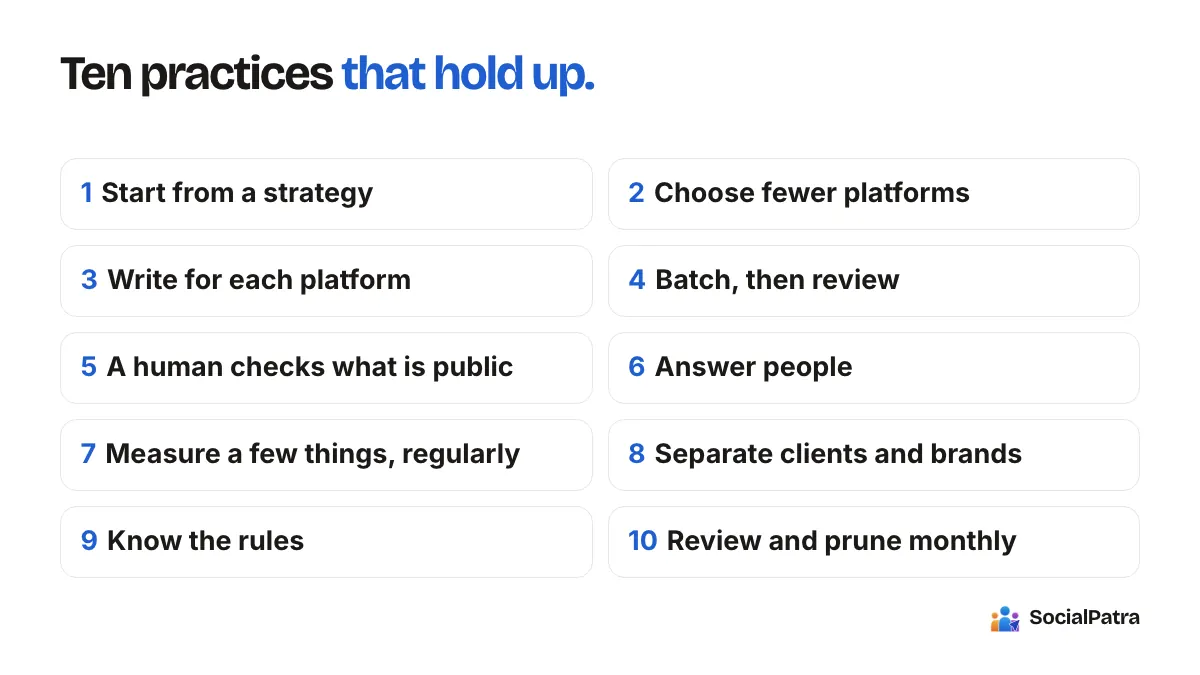
Here's one routine that keeps automation honest:
- Monday, 30 minutes: write or review the week's posts. Read each aloud.
- Schedule them in your queue, leaving two or three slots empty for live moments.
- Midweek, 10 minutes: check performance and note which posts got real conversation, not just reach.
- Daily, 10 minutes: answer comments and messages in the inbox.
- Friday: fill an empty slot with something that happened this week.
It adds up to under two hours, and nearly all of it is the human work that makes the account worth following.
A quick self-check before you schedule
Ask three questions about any post in your queue. Would I be comfortable if a follower saw exactly when and how this was scheduled? Does it contain at least one detail that only I could know? Is anyone likely to reply, and will I be there when they do? If the answer to all three is yes, automation isn't hurting you. It's giving you your time back.
FAQ
Will my followers know my posts are scheduled?
No. A scheduled post publishes to the platform like any other. What followers notice is quality: repetitive wording, ignored comments, and tone that doesn't fit the moment.
Is it safe to automate replies?
Be careful here. Saved replies that you review and send are fine for routine questions. Fully automated responses to every comment tend to feel impersonal and can cause real mistakes, so keep a person in the loop for anything that isn't routine.
How much should I schedule versus post live?
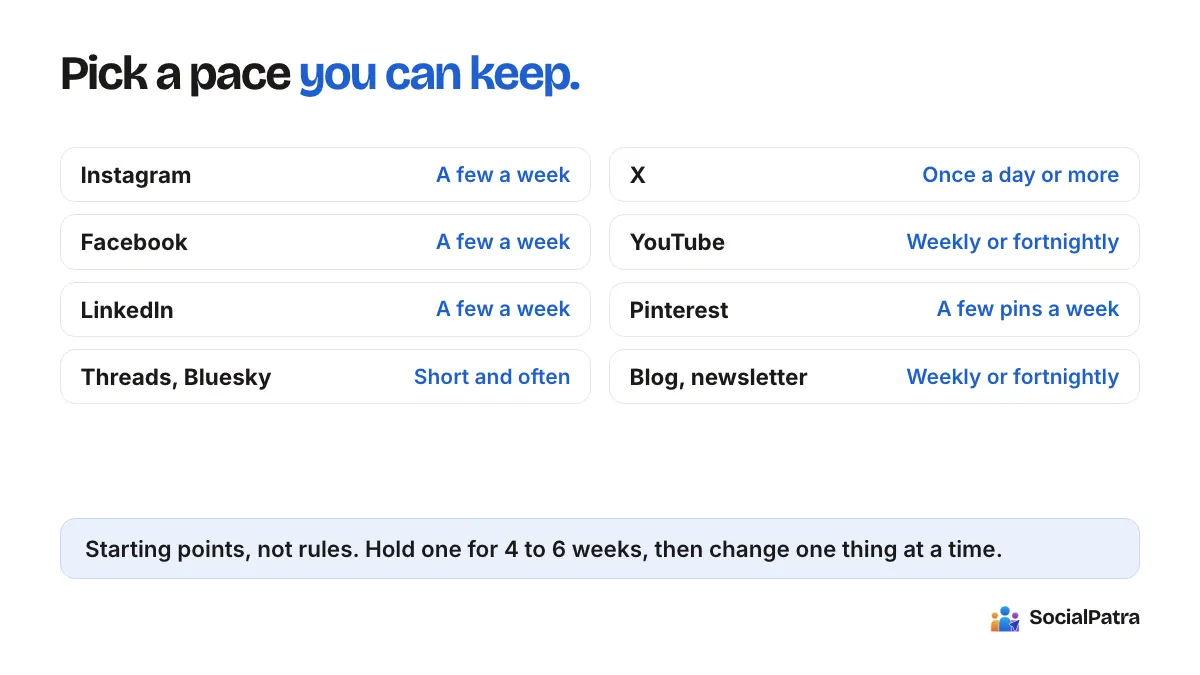
There's no magic ratio. A reasonable starting point is to schedule the planned posts and leave a few slots open for live moments, then adjust based on how your audience responds.
Can AI-written posts still sound like me?
Yes, if you treat them as drafts. Edit for your voice, add a detail only you know, and cut anything you wouldn't say out loud.
Ready to schedule smarter without sounding like a robot? Pick a plan.