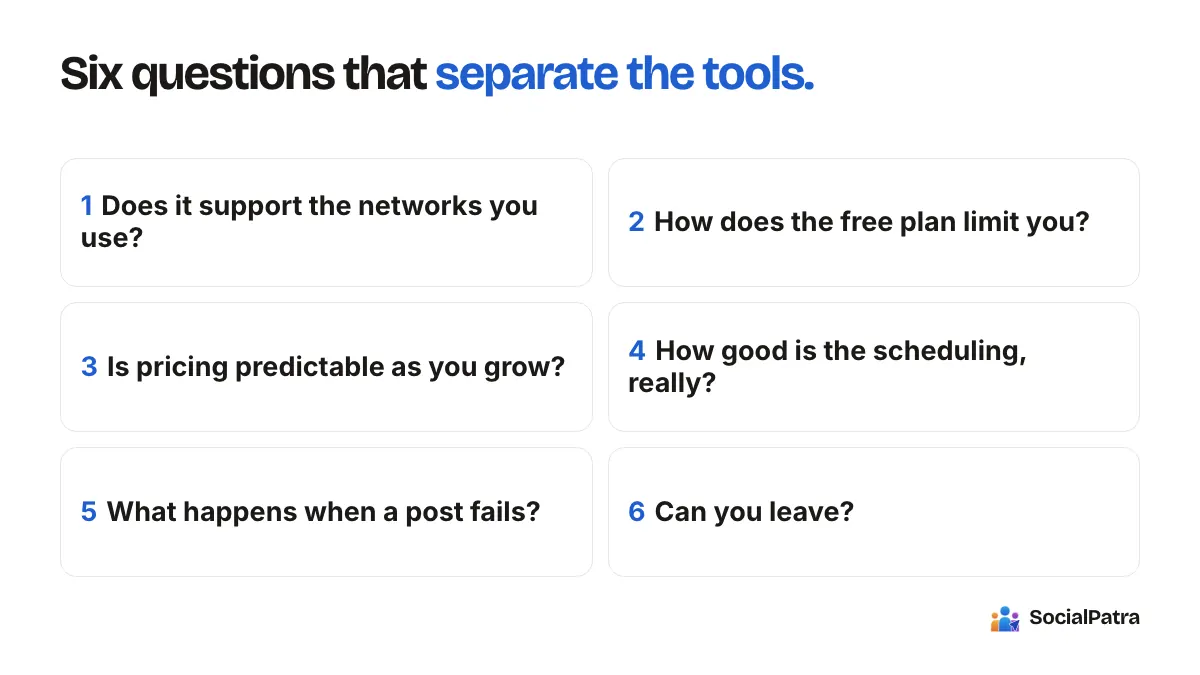
Social Media Automation ROI: How to Calculate Time Saved
A simple formula for the real ROI of social media automation, with a worked example, an honest take on sales impact, and a cost comparison against hiring.
"How much time does automation actually save?" is the right question and almost nobody answers it with numbers. The usual answer is "hours every week!" with no working shown. This post gives you a formula you can fill in with your own figures in ten minutes, and it is upfront about the parts that can't be calculated.
Every number in the worked example below is made up to show the arithmetic. Replace them with yours.
Step 1: measure your current hours
Before you change anything, track one normal week. Don't estimate; time it. Group the work like this:
- Planning: deciding what to post.
- Creating: writing captions, preparing images.
- Publishing: logging in to each network, uploading, picking times.
- Checking: looking at results, answering comments.
- Fixing: reconnecting accounts, re-posting things that failed.
Most people find publishing and checking are the bloated parts, because they are repetitive and split across several apps. Creating is usually the part worth protecting.
Step 2: estimate what automation removes
Automation does not shrink everything equally. Here is where hours realistically come out, and where they don't:
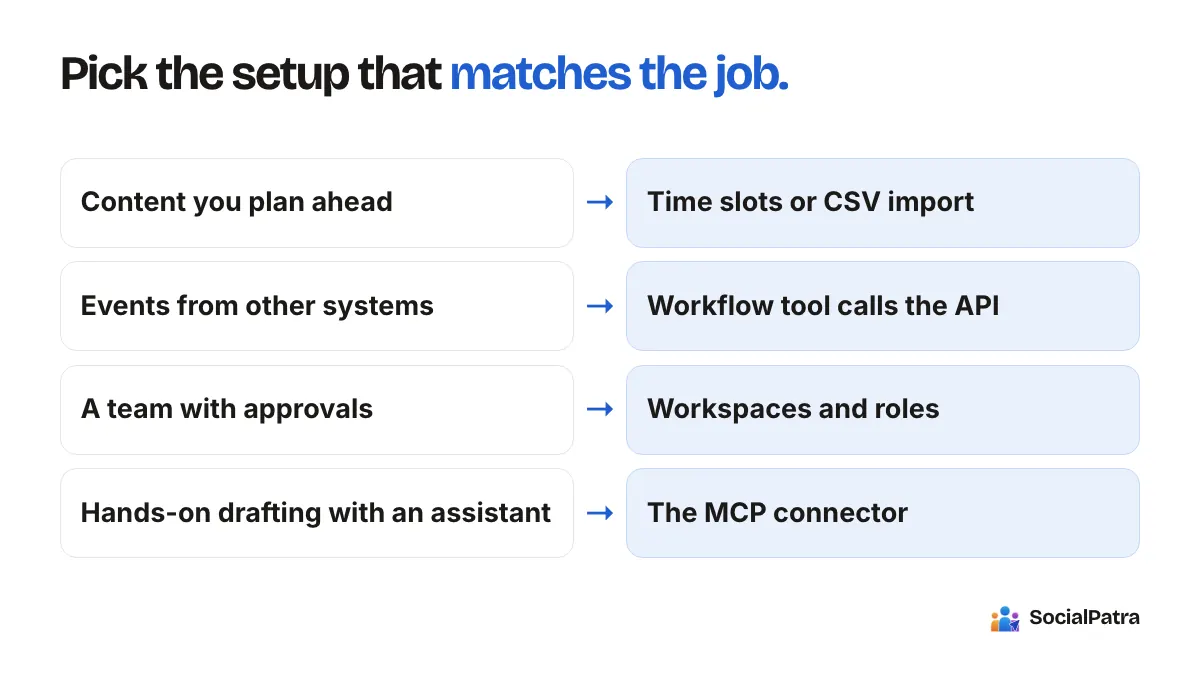
- Publishing: the biggest drop. Writing once and sending to several accounts replaces repeated logins. Batching a week or a month of posts in one sitting replaces daily interruptions. See bulk CSV import and time slots.
- Checking: a good drop, if numbers live in one analytics view and comments in one inbox.
- Planning and creating: a modest drop. Tools like AI drafts and RSS automation help, but they need your review.
- Strategy and relationships: no drop, and you wouldn't want one.
Step 3: the formula
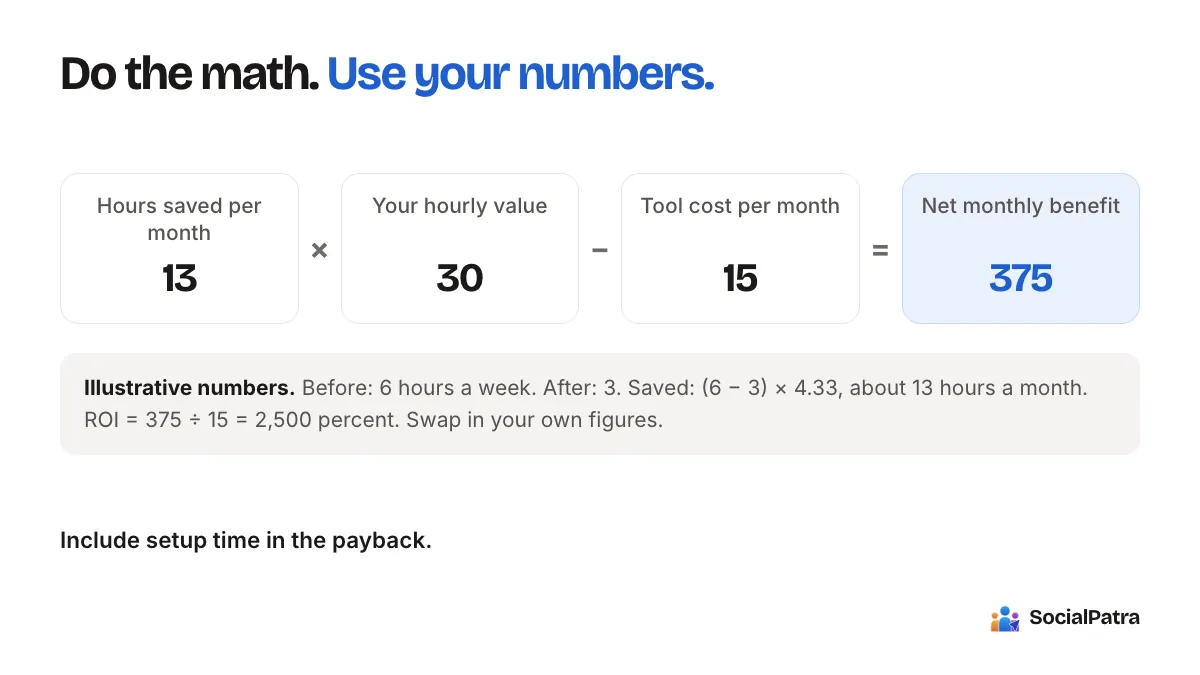
Monthly hours saved   = (hours per week before - hours per week after) x 4.33
Value of time saved   = monthly hours saved x your hourly value
Net monthly benefit   = value of time saved - monthly tool cost
ROI %                 = net monthly benefit / monthly tool cost x 100
Payback               = setup hours x hourly value / net monthly benefit (in months)
Your hourly value is the honest bit. If you are an employee, use your loaded hourly cost. If you are a founder, use what an hour of your time would be worth spent on selling or delivering. Don't use zero; that is how free time gets wasted.
A worked example (illustrative numbers only)
Say a solo shop owner times a normal week and finds:
- Before: 6 hours a week on social media.
- After moving to batch scheduling: 3 hours a week.
- Hourly value: 30 (in whatever currency you use).
- Tool cost: 15 a month.
- Setup time: 4 hours, once.
Working it through:
- Monthly hours saved: (6 - 3) x 4.33 = about 13 hours.
- Value of time saved: 13 x 30 = 390.
- Net monthly benefit: 390 - 15 = 375.
- ROI: 375 / 15 x 100 = 2,500 percent.
- Payback: (4 x 30) / 375 = about 0.3 months.
Those numbers look great because they were chosen to. Your real result may be smaller, and that's fine. The point is that the formula tells you quickly whether a tool is worth its price, and the answer is sensitive to your hourly value. If you value your time at 5 an hour and save two hours a month, a tool costing 15 does not pay for itself. Run the math both ways.
Can automation increase sales?
Here is the honest answer: automation doesn't create demand by itself. It raises the odds of sales through the things it makes easier to do consistently.
- You post on days you would otherwise skip.
- You answer comments faster, which matters when someone is asking about price.
- You see which posts get responses and make more of them.
- Your channels stay alive when you are busy serving customers.
Those are plausible mechanisms, not guarantees. We are not going to quote a conversion lift, because any number we gave you would be invented. If you want to know whether it works for you, measure it: note enquiries or link clicks per week for a month before and a month after, and compare. Our post on metrics that matter shows what to count.
One more caution. Automation done badly can lower sales. A feed of identical robotic posts earns ignores, and unreviewed AI text can embarrass you. Hours saved are only worth something if the output stays good. The guide on automating without losing authenticity covers that.
Automation vs hiring: the cost comparison
When people ask this, they are usually comparing a tool subscription with a freelancer or part-time hire. Use the same structure:
- Tool: monthly fee plus your own hours (setup and weekly upkeep).
- Freelancer or employee: their rate times hours, plus the time you spend briefing and reviewing them.
For example (again, invented numbers): a freelancer at 25 an hour for 10 hours a month costs 250, plus an hour a week of your time for briefs and approvals. A tool at 15 a month plus 3 hours a week of your time costs 15 in cash, but more of your hours.
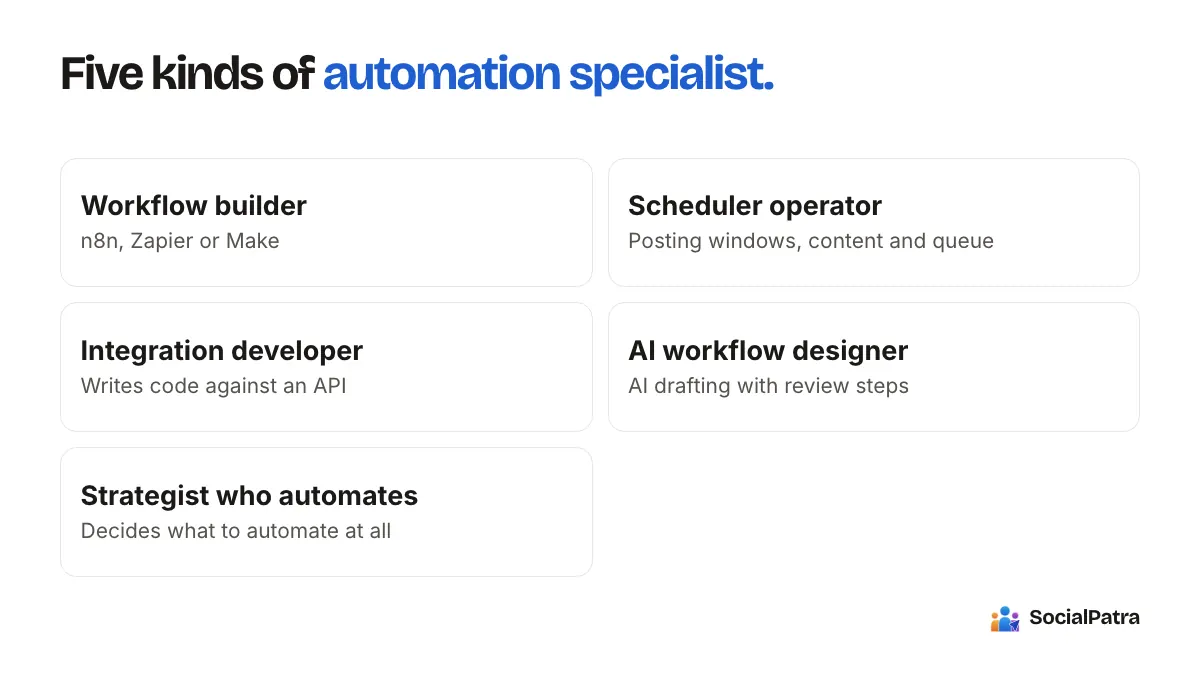
Neither is automatically cheaper. The real question is what an hour of yours is worth and which tasks need a human. Hiring buys judgment and creative work; a tool buys speed on repetitive tasks. Many teams do both: a freelancer creates, a scheduler publishes. If you are weighing a specialist, read how to hire a social media automation specialist.
Count what the formula misses
Some of the value is real but does not fit a spreadsheet:
- Fewer missed days and fewer last-minute scrambles.
- Less context switching during your actual work.
- Cleaner handoffs if a teammate or client is involved. Agencies feel this most; see agency workspaces.
On the other side, count the costs people forget: setup time, the learning curve, and the time to fix things when a connection breaks. Put those in your payback calculation, not in the footnotes.
A five-minute version
If you will not run the full formula, do this:
- Time one week of social media work.
- Guess how many of those hours batching and scheduling could remove.
- Multiply by what an hour is worth to you.
- Compare to the monthly price.
The cheapest way to find out is to test it. For SocialPatra, the Free plan covers one connected account with basic scheduling, which is enough to test your batching habit before spending anything.
FAQ
How much time does social media automation save?
It depends on what you do now. Publishing and checking are where the biggest savings usually come from. Time your current week, estimate the reduction, and use the formula above rather than trusting a generic number.
How do I calculate the ROI of a social media tool?
Subtract the tool cost from the value of the hours saved, divide by the tool cost, and include your setup time in the payback figure. Use a realistic hourly value for your time.
Does automation increase sales?
It can help indirectly by keeping you consistent and responsive, but no tool guarantees sales. Measure enquiries or clicks before and after to see your own effect.
Is automation cheaper than hiring?
In cash, often yes, but it uses more of your time. A hire brings judgment and creativity that a scheduler does not. Compare total cost including your own hours.
Pick a plan and run the one-week test with your own numbers.
To start saving those hours, look at what the automation features in SocialPatra cover.