Automate Social Media Replies Without Losing Touch
What you can safely automate in customer replies and community management, what should stay human, and how to keep watch on every channel from one inbox.
Someone asks "do you ship to Canada?" under your post at 9pm. By the time you see it, they've bought from somebody else. That's the real cost of slow replies, and it's why people go looking for ways to automate customer responses.
The tempting answer is a bot that answers everything. The better answer is narrower: automate the finding, the sorting and the typing of repeat answers, and keep a person on the actual conversation. This article lays out where that line sits and what to set up on each side of it.
SocialPatra is built around that line. Every reply goes out from you, with the finding, sorting and repeat typing handled for you. Human replies become fast, and that covers most of what people wanted from automation in the first place.
What's worth automating
Think of community management as four jobs: noticing, sorting, answering and following up. Software is good at the first two and helps with the third.
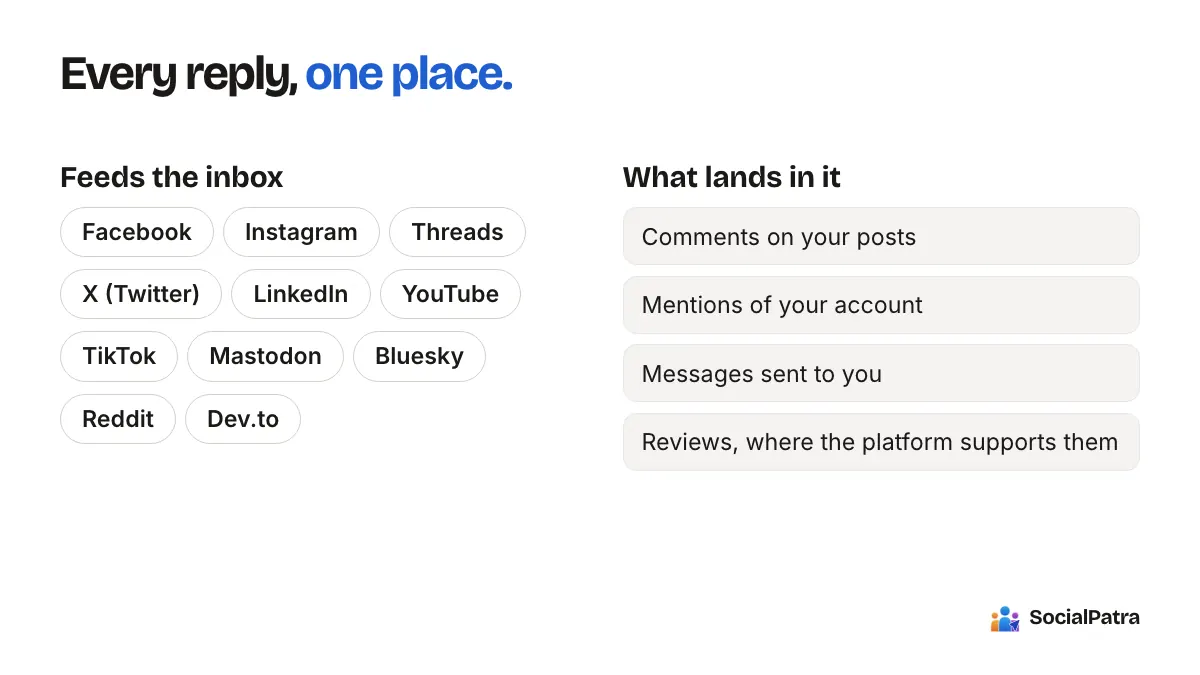
Noticing. Checking five apps for comments is the part nobody should do manually. A single inbox that pulls conversations from your connected accounts replaces it. In SocialPatra, the inbox gathers comments on your posts, mentions of your account, messages, and reviews where a platform supports them. Some arrive in near real time; others come in when you sync, which you can do on demand. There's an unread count, so you can see in a glance whether anything needs you.
Sorting. Not every item is equal. You can filter by type (comment, mention, message or review) and by status (unread, read, replied, archived or hidden). Hiding takes spam and trolls out of your working view without deleting your history. Bulk actions let you mark many items read, archive them, or assign them in one move.
Answering. This is where canned replies earn their place. More below.
Following up. Assignment and statuses mean a hard question doesn't get lost between two teammates who each thought the other had it.
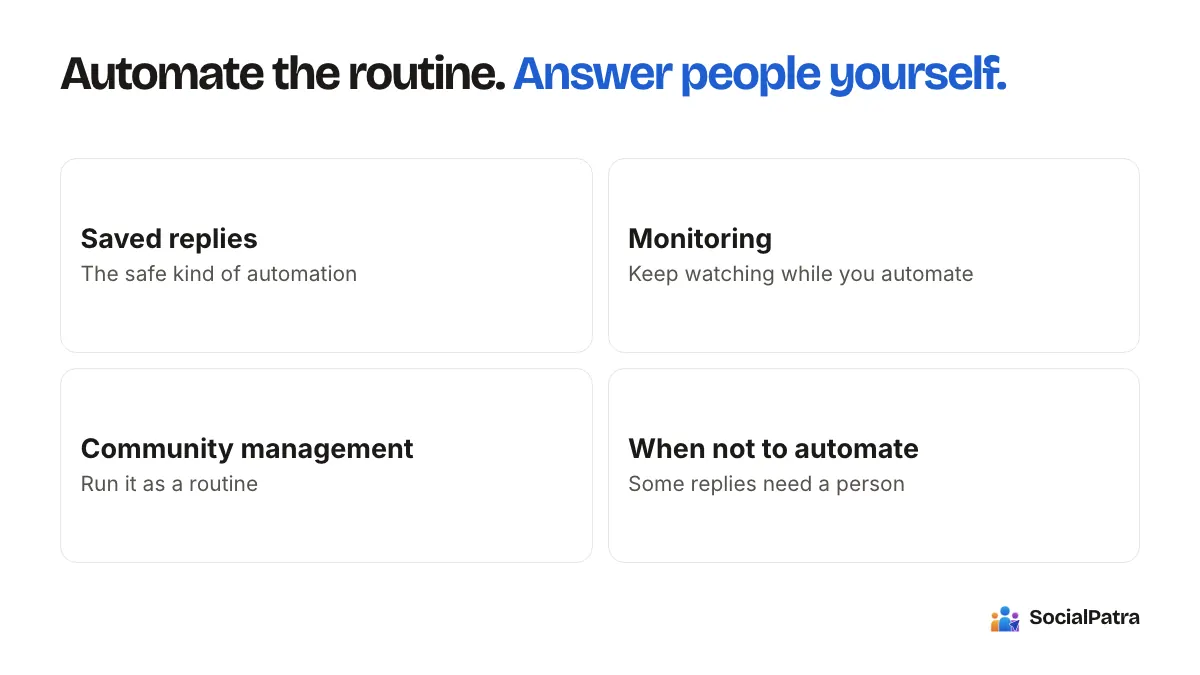
Saved replies: the safe kind of automation
Most customer questions repeat. Hours, shipping, pricing, "is this still available," "thanks so much." You've typed those answers a hundred times.
Saved replies let you store them once. Each reply gets a shortcut that starts with a slash and uses lowercase letters, numbers and hyphens, like /thanks, /hours or /shipping-canada. Type the shortcut in a conversation and the full text drops in. You read it, adjust it if the situation calls for it, and send it yourself.
That last step is the difference between a canned reply and an auto-responder. A saved reply used well still sounds like it was written to this person, because you looked at their message first and edited the line that needs to change.
Write saved replies that don't sound canned
- Start with the person's actual question, then the saved text. "Good question on Canada" followed by the shipping answer feels attentive.
- Keep each reply short, with one idea.
- Don't save replies for emotional situations. A complaint, a bad experience or a sensitive question deserves a fresh answer.
- Review your set every few months. Stale answers (old prices, old hours) do more harm than slow ones.
Monitoring while you automate
Here's what monitoring looks like in SocialPatra. The inbox covers activity on every account you've connected: comments on your posts, mentions of your account, messages, and replies, all in one place with an unread count.
What you can monitor well is your own publishing, which matters more than people expect when you automate posting:
- Post status. Scheduled posts can end up published, partial or failed. Watching the status of your queue tells you whether the automation is doing what you think it is.
- Connection health. If an account needs to be reconnected, scheduled posts to it will stop. The connections page flags broken accounts and offers a reconnect, and you get a notification when a post fails to publish.
- Webhooks. If you want events pushed to your own systems, paid plans can register webhook endpoints for three events: post published, post failed and post approved. You can send these into a chat tool or a spreadsheet to build your own alerts.
Automation without monitoring is how an account goes quiet for three weeks before anyone notices.
Community management as a routine
A routine beats good intentions. This is a pattern that works for one person and scales to a small team.
- Sync and scan once or twice a day. Pick set times. Constant checking is not community management, it's anxiety.
- Work unread first. Reply, using saved replies where they fit.
- Assign what you can't answer. Hand it to the right teammate with the context attached.
- Archive the handled and hide the junk. An empty queue is a useful signal.
- Once a week, read what people actually say. Questions that repeat are content ideas, and complaints that repeat are product feedback.
For agencies
Each client lives in its own workspace, so a teammate added to one client only sees that client's conversations. Replies go out from the client's connected account, in the same thread as the original comment. Agree on response times per client, and set the expectation that the routine above is the service. Our agency workspaces guide covers the setup.
What about the scheduled comment feature?
You may notice a Scheduled Comments option in the composer. It posts a reply of your own after your main post publishes, for instance to put hashtags in a first comment or add a link. It's text-only, with an optional delay after publishing. It keeps your captions clean while your hashtags or link still land right under the post.
When to not automate at all
Skip automation, even the saved-reply kind, for:
- complaints and refunds,
- anything involving safety, health or legal claims,
- comments from journalists, partners or large customers,
- anything where tone could go wrong.
Those are the conversations people remember. Take the extra two minutes.
FAQ
Will my replies still sound like me?
Yes. You reply from the inbox yourself, and saved replies drop in the text you've already perfected. You read and adjust each one before it goes out.
Which accounts show up in the inbox?
Conversations from your connected accounts feed in, including Facebook, Instagram, Threads, YouTube, Reddit, Bluesky and Mastodon. Our inbox guide lists them in full and explains syncing.
What does the inbox monitor?
Comments on your posts, mentions of your account, messages, and replies from your connected accounts, with an unread count so you see at a glance whether anything needs you.
Can a team split the inbox?
Yes. Assign conversations to teammates, and use statuses to see what's handled. Each workspace's inbox is separate, so client conversations never mix.
Pick a plan, connect your accounts, and see everything that needs a reply in one place. For related reading, see what to automate and what to post manually and how to automate without losing authenticity.