SocialPatra Blog
Guides, tips & product updates for social media operators
Practical playbooks on scheduling, AI content, multi-platform publishing, and growing your audience — without the ceremony.
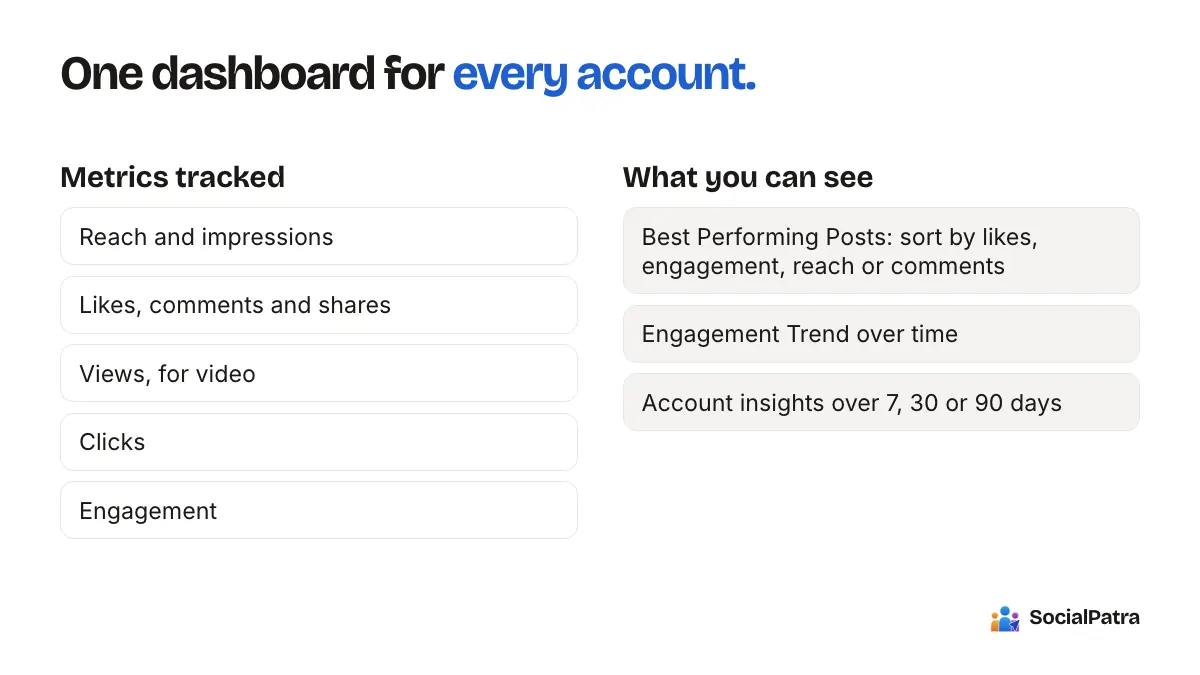
Track Post Performance Across Platforms
SocialPatra pulls reach, engagement, and growth from every connected account into one dashboard, so you can compare platforms and spot your best posts without tab-hopping.
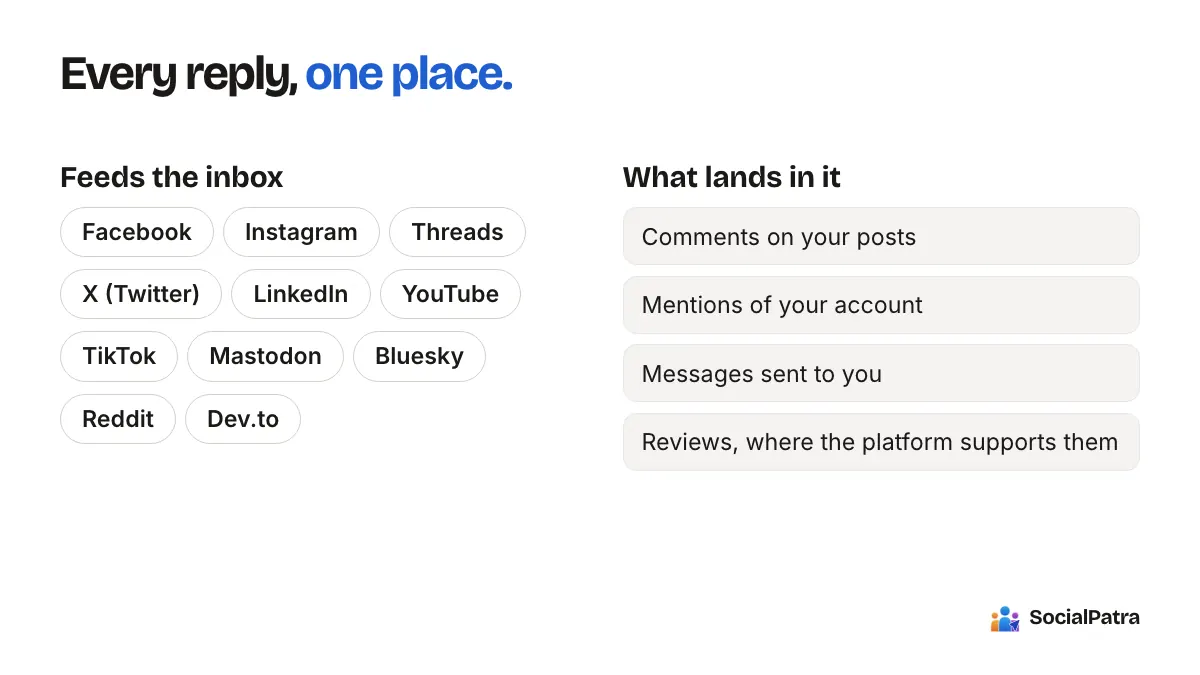
Social inbox: replies across platforms, one place
SocialPatra's unified social inbox pulls comments, mentions, and messages from your connected accounts into one queue you can reply to, assign, and clear together.
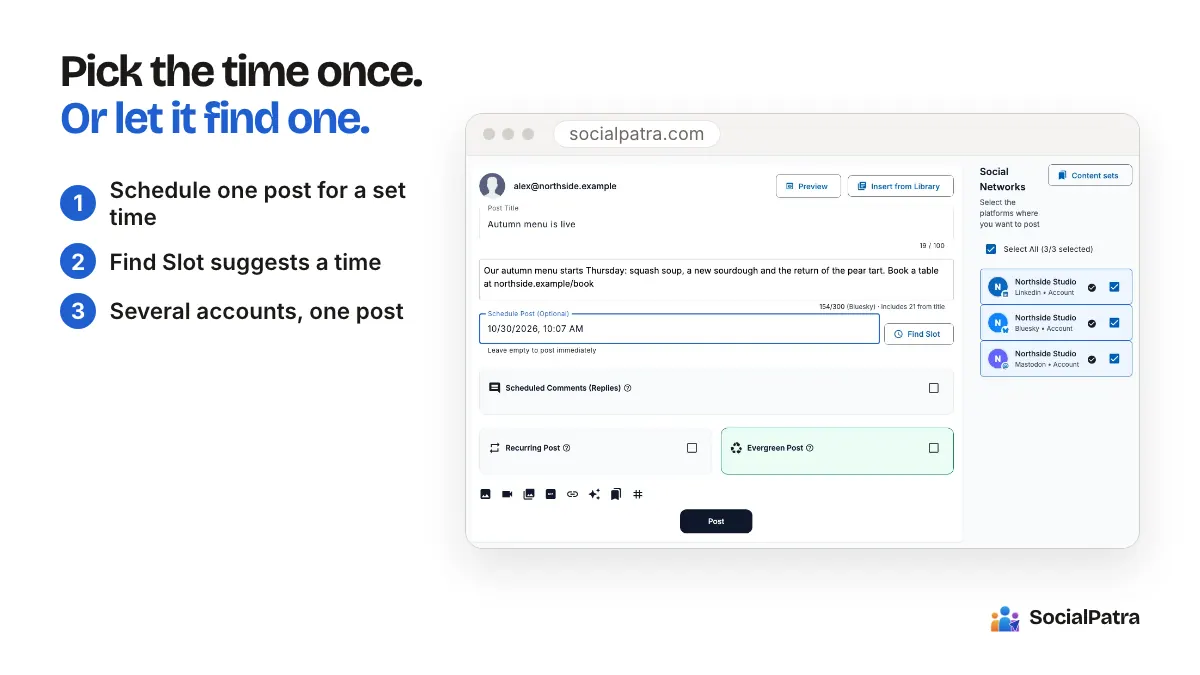
How to schedule posts with time slots
A practical guide to scheduling in SocialPatra: pick a time for one post, set recurring time slots per account, and save reusable posting schedules so you stop choosing times one at a time.
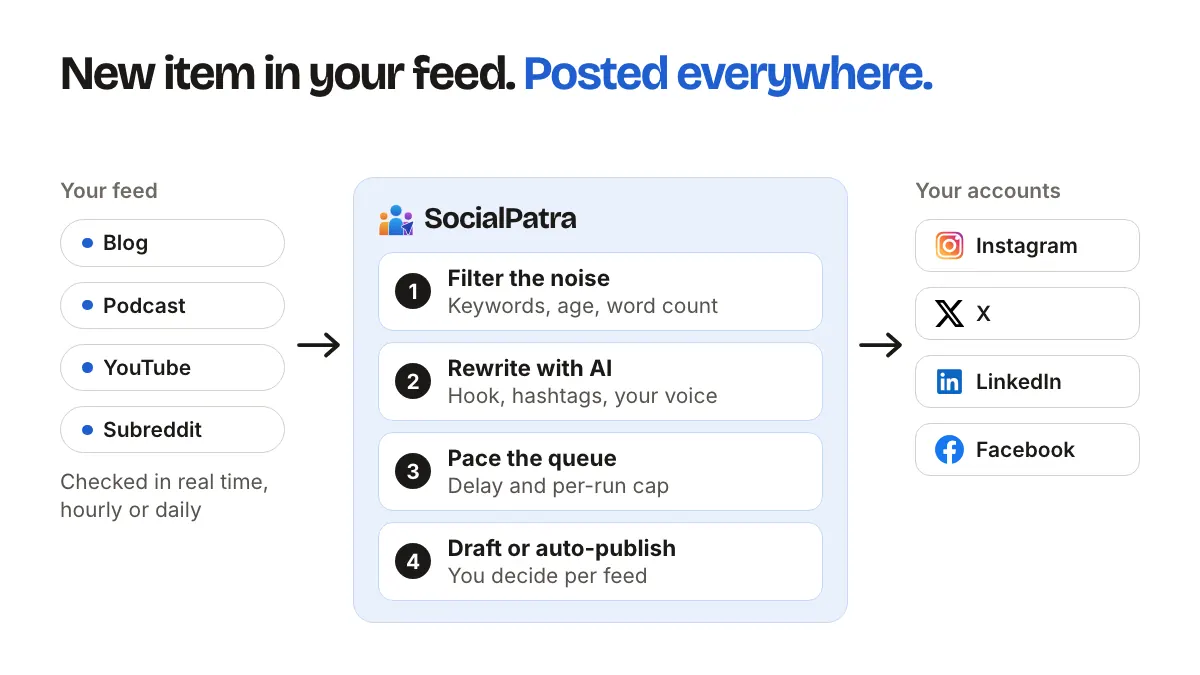
RSS Automation: Auto-Post Content on Repeat
Point SocialPatra at any RSS feed and it pulls new items, rewrites them with AI, and queues them to your accounts on a schedule you control.
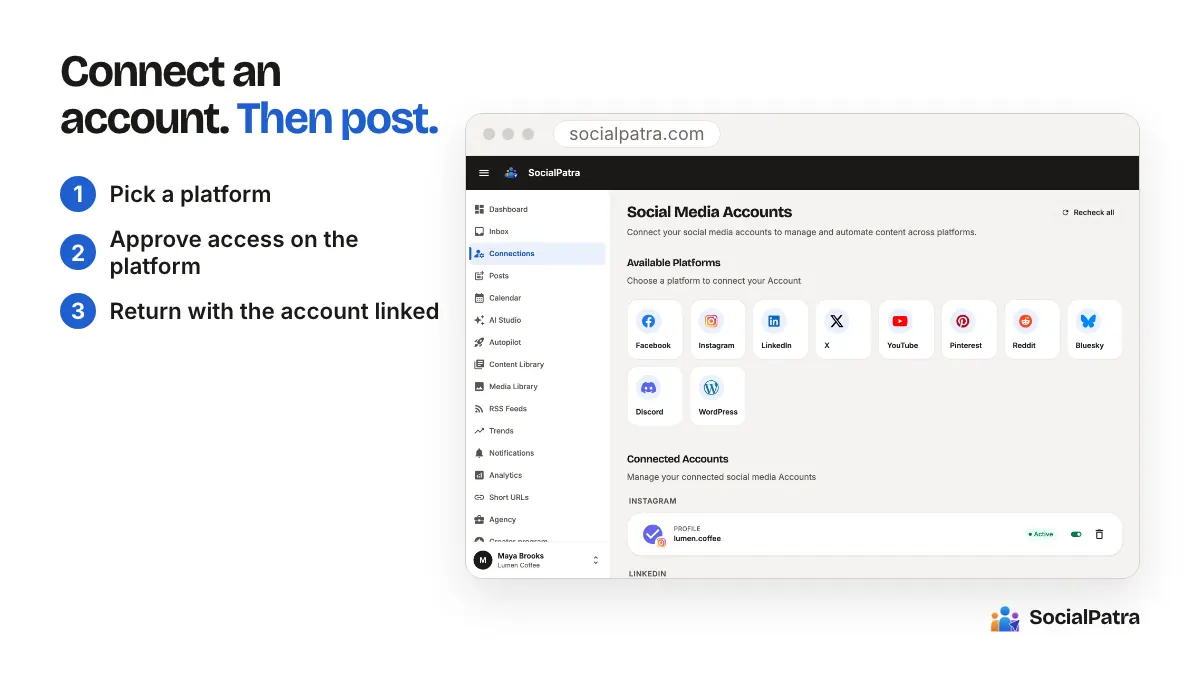
Getting started: your first cross-platform post
A step-by-step guide to setting up SocialPatra: connect your accounts, write one post, pick where it goes, and schedule your first cross-platform publish.
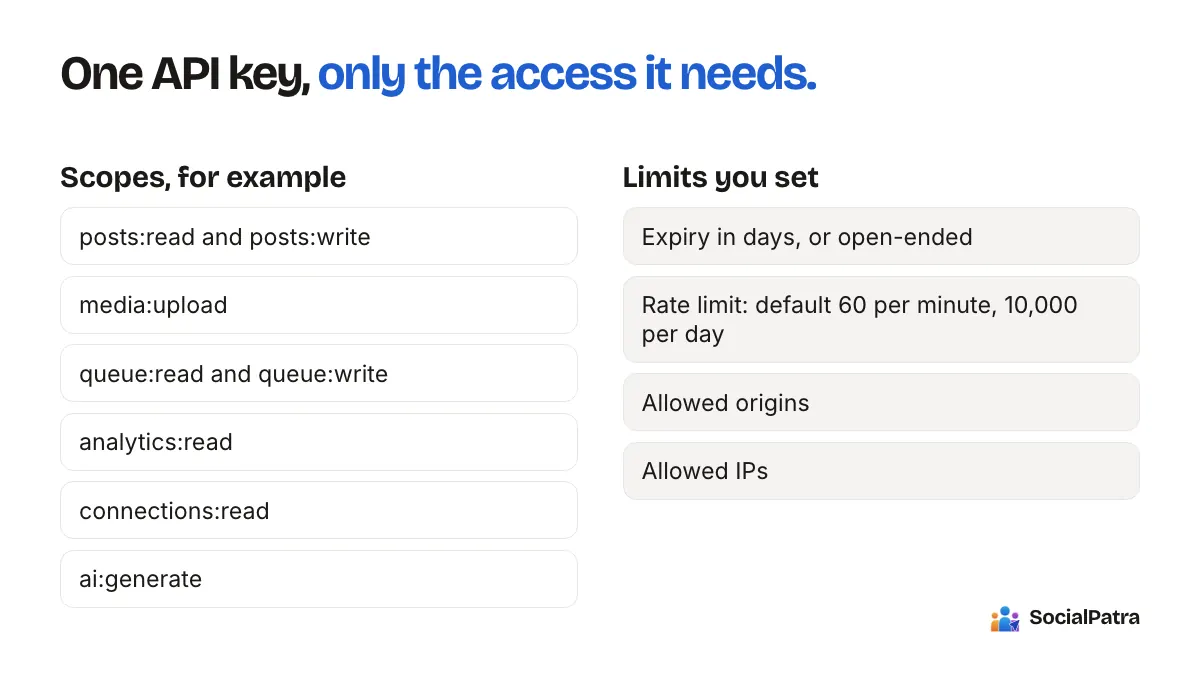
Developer API: automate posting with API keys
Create scoped API keys in SocialPatra to publish, schedule, and pull analytics from your own scripts, automations, or product, with per-key permissions and rate limits.
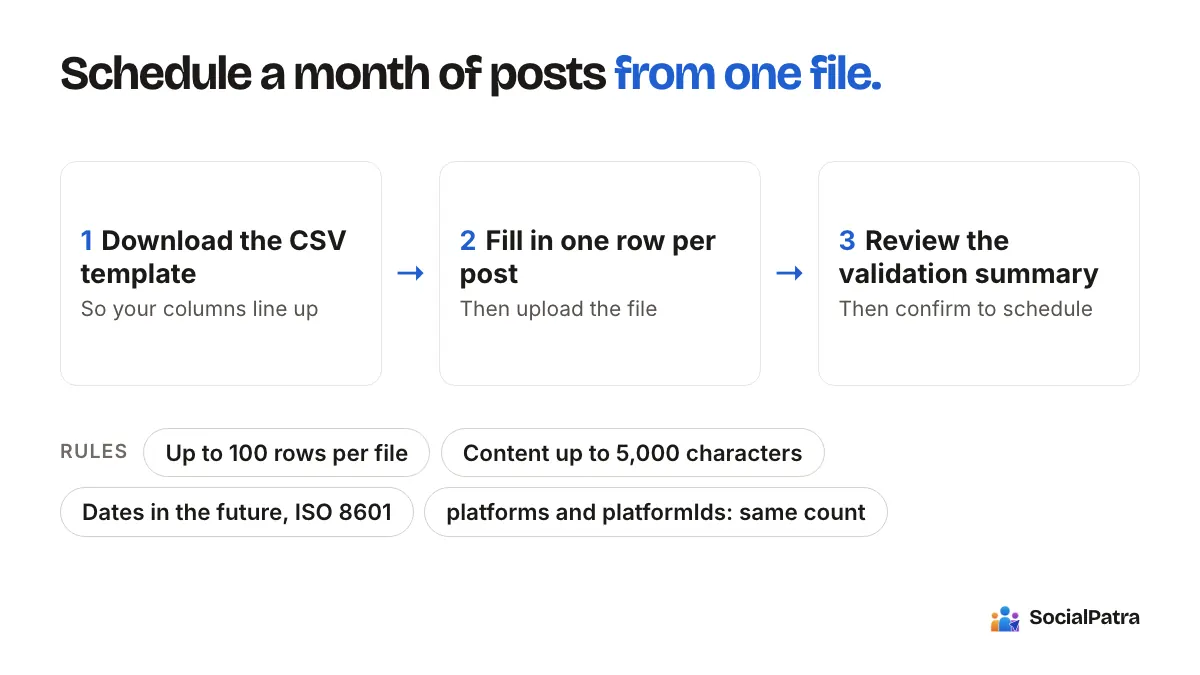
Bulk CSV Import: Schedule a Month of Posts
Plan your posts in a spreadsheet, upload the CSV, and SocialPatra validates every row and schedules the whole batch at once.
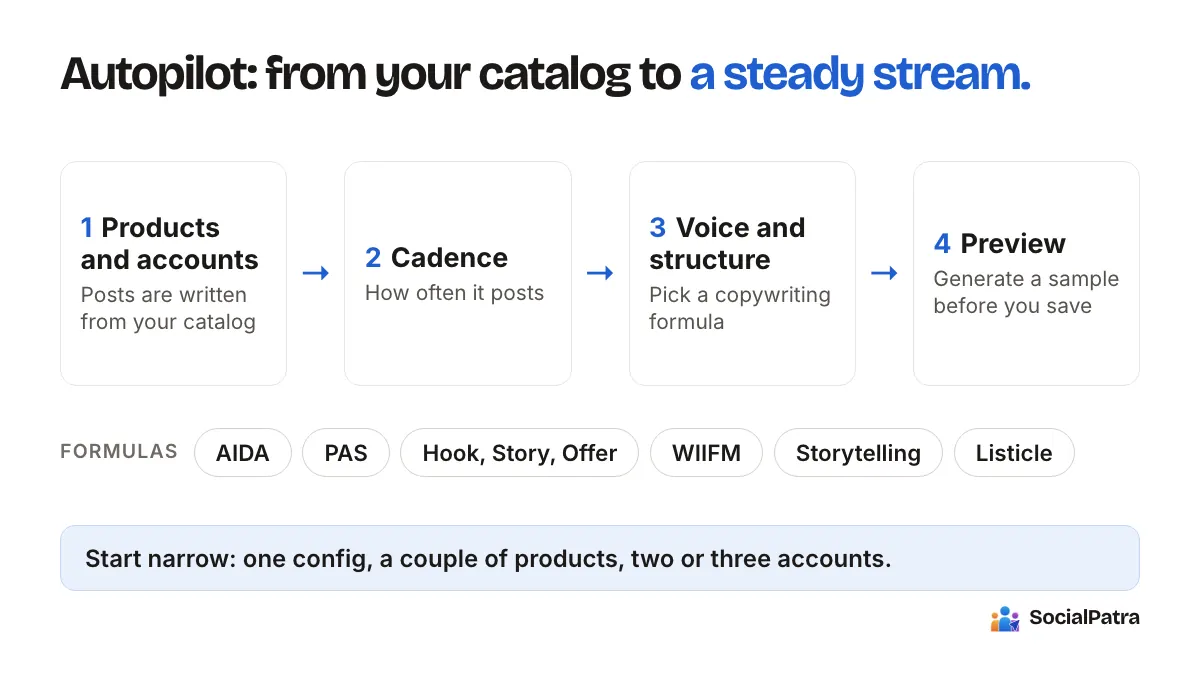
Autopilot: a steady stream of product posts
A deep dive into SocialPatra Autopilot: point it at your product catalog, pick a cadence and a few options, and it generates and schedules a calendar of on-brand posts for you.
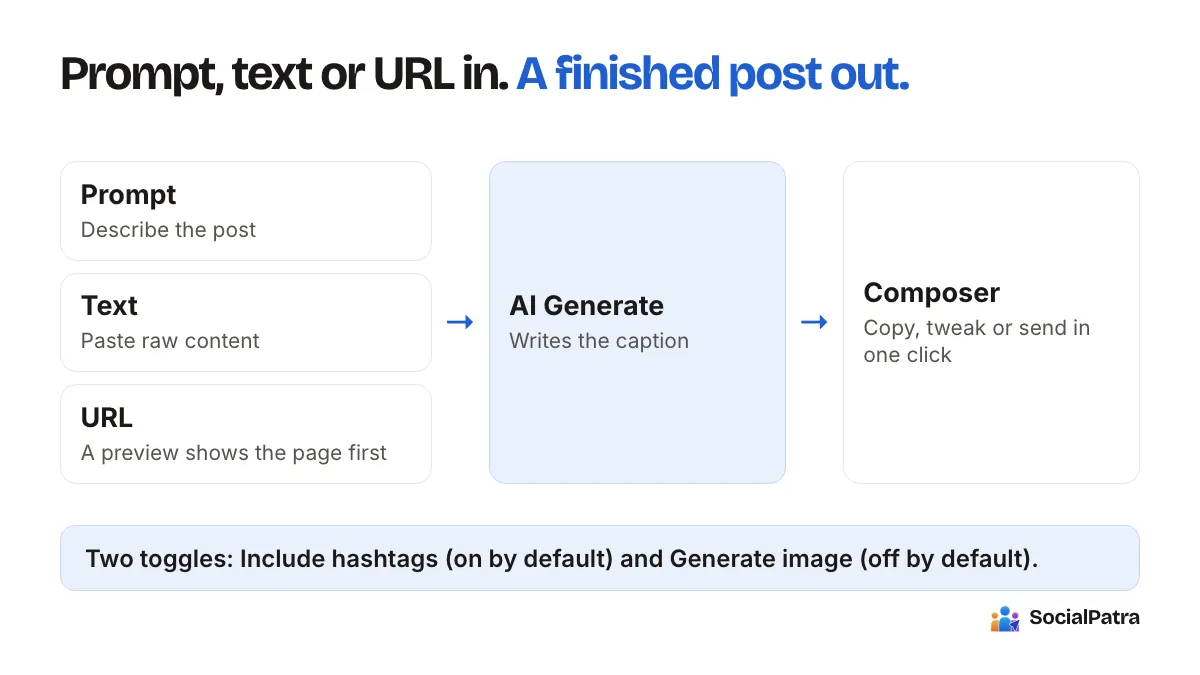
AI Generate: write social posts in seconds
A full walkthrough of SocialPatra's AI Generate page: turn a prompt, a block of text, or a URL into a ready-to-post caption with optional image and hashtags.