Real estate social media post examples
6 post and carousel ideas. Open any one in SocialPatra, make it yours and schedule it.
Sample businesses, made up by the SocialPatra team. Captions drafted with AI.
Buyers and sellers pick an agent they already trust, and social media is where that trust builds between deals. Listings matter, but so do the posts that show you know the area and explain the process plainly.
These examples come from two sample agencies, one in Kochi and one in Toronto. They cover a new listing, an open house, a first-time buyer checklist, a neighbourhood guide and a seller tip.
Replace the details with your own listing and check every fact before you post: price, size, location and availability. Then schedule open-house reminders for the day before and the morning of.
- Coastline Keys RealtySample business
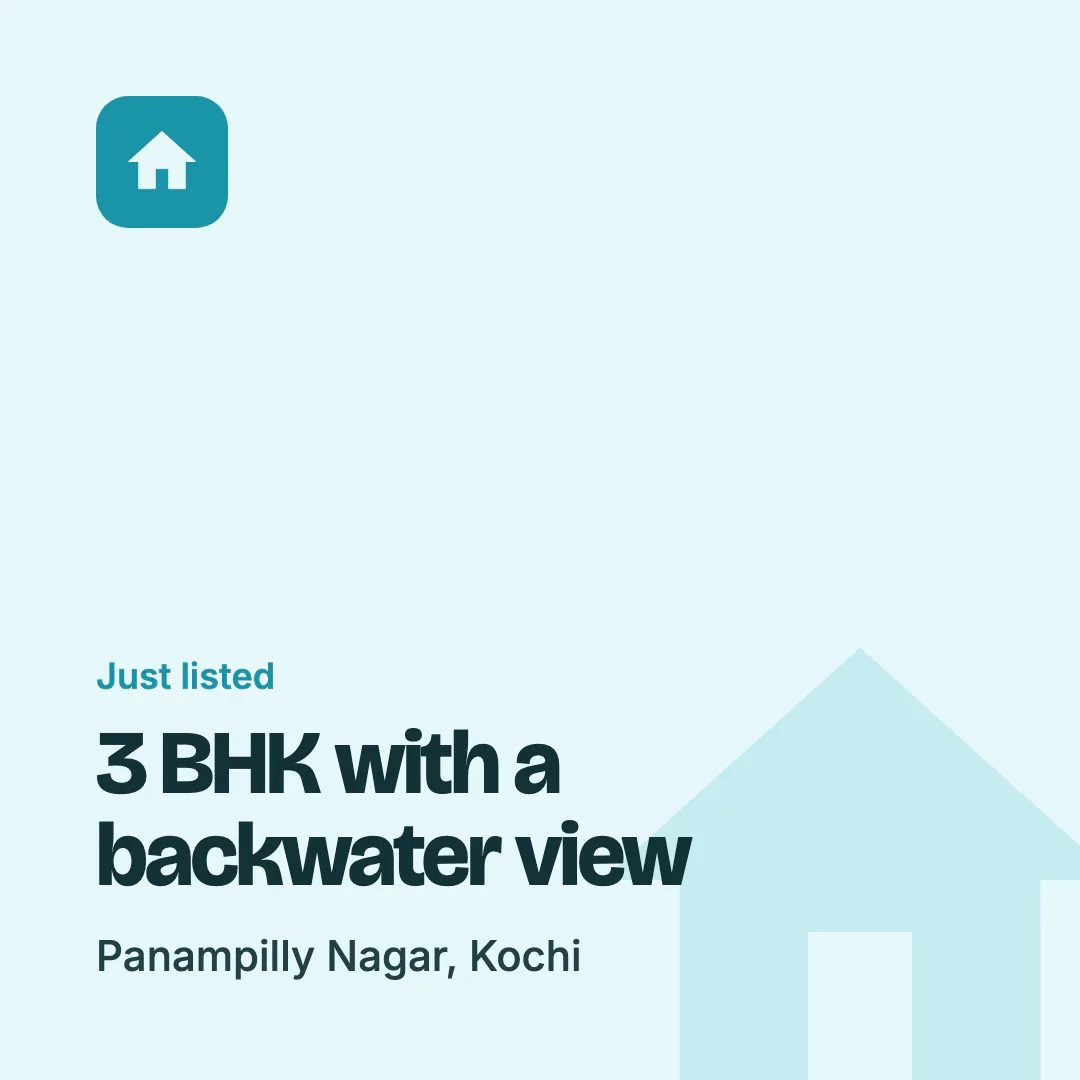 New listing post. Just listed: a 3 BHK with a backwater view in Panampilly Nagar.
1,650 sq ft, east-facing, two covered parking spaces and a balcony long enough for morning coffee and evening tea. Ten minutes to the metro.
Viewings by appointment this week. Message us for the floor plan and price.
- Coastline Keys RealtySample business
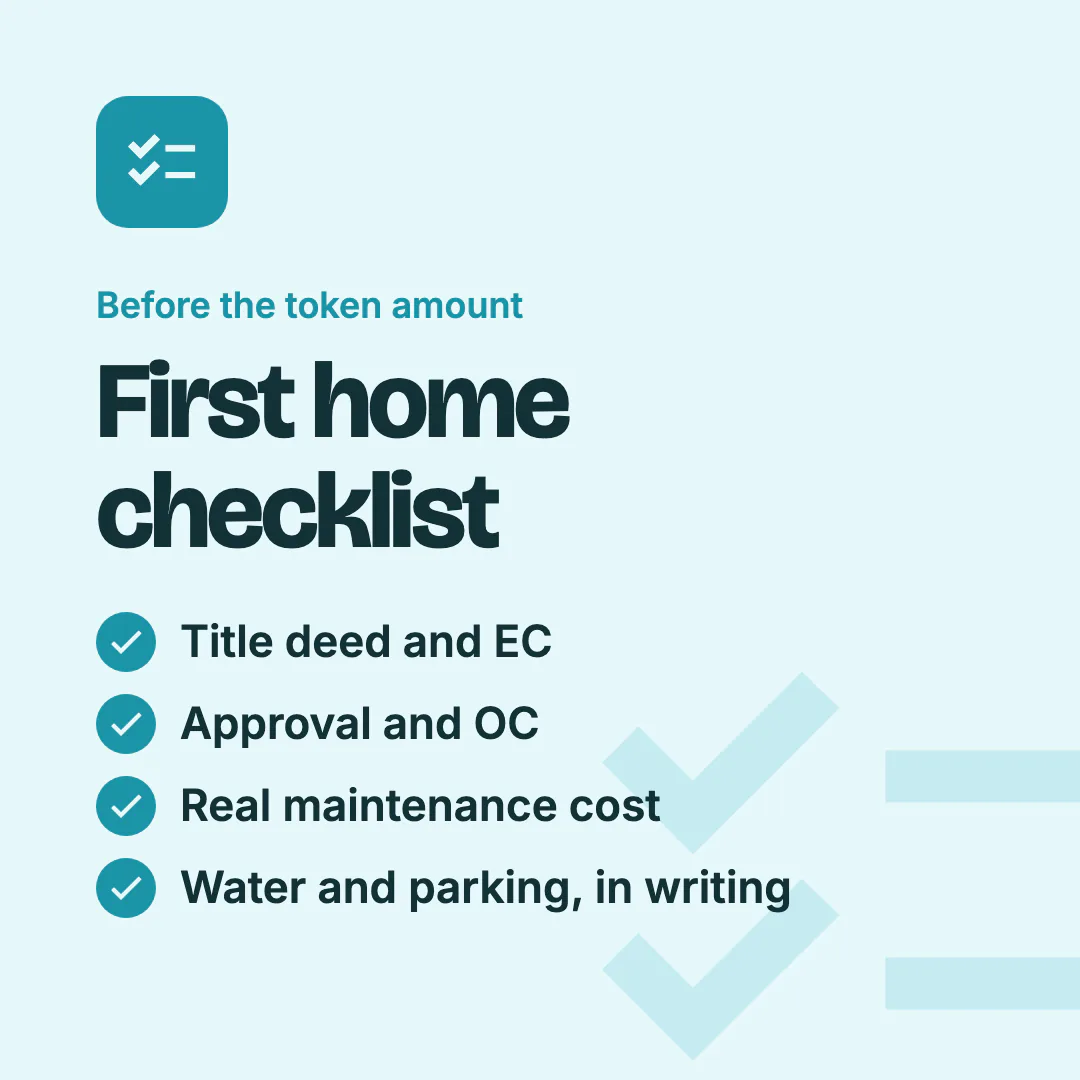 Buyer checklist post. Buying your first flat? Check these four things before you pay a token amount.
1. The title deed and encumbrance certificate.
2. Building approval and occupancy certificate.
3. What maintenance really costs each month.
4. Water supply and parking, in writing.
Save this, and ask us anything in the comments.
- Coastline Keys RealtySample business
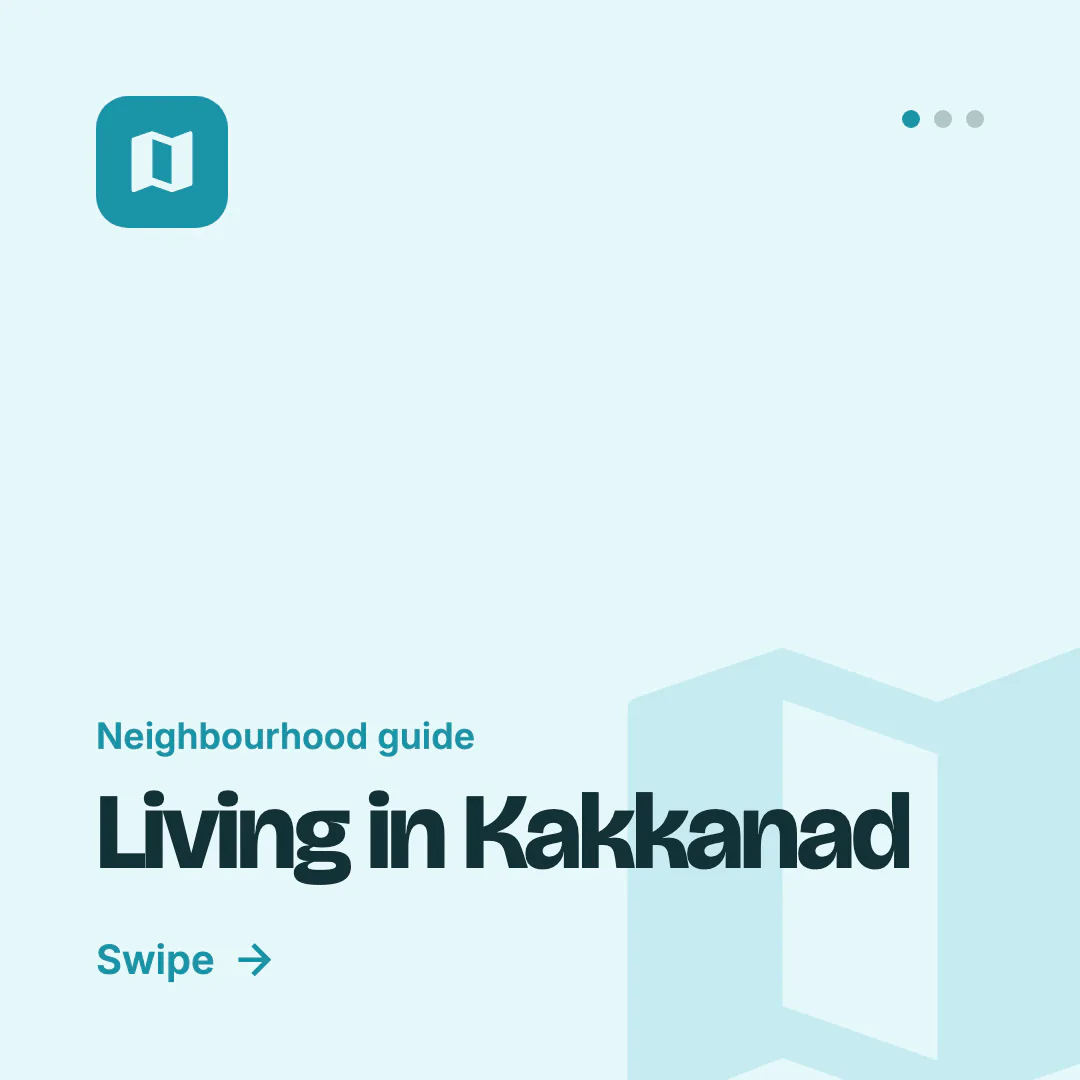
1/3 Neighbourhood guide carousel. Thinking about Kakkanad? A quick guide from people who show homes there every week. Good for: short commutes to the IT parks and newer apartments. Know before you buy: traffic at peak hours and how water is supplied to the building. Want the full picture for a specific street? Send us a message. - Maple Row HomesSample business
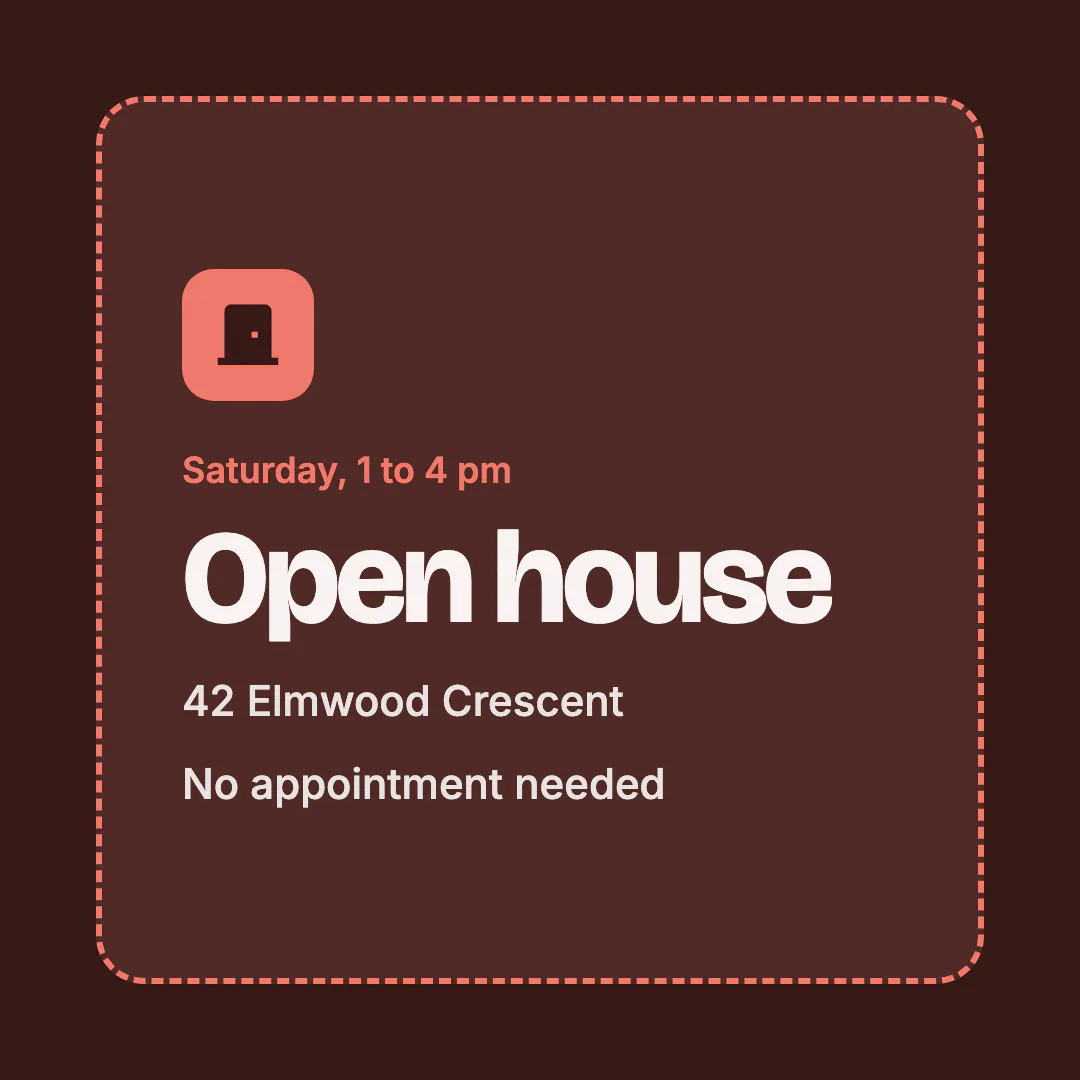 Open house reminder. Open house this Saturday, 1 to 4 pm.
42 Elmwood Crescent: a three-bedroom semi with a finished basement, a south-facing garden and a ten-minute walk to the subway.
No appointment needed. Bring your questions, and your shoes off at the door, please.
- Maple Row HomesSample business
 Seller tip post. Selling this spring? Start with the front door.
It is the first photo buyers see and the first thing they touch. A fresh coat of paint, a clean mat and working lights cost little and set the tone for every room behind it.
We share one seller tip like this every week. Follow along if a move is on your list.
- Maple Row HomesSample business
1/5 Buying process carousel. Buying a home in Ontario, in four steps. 1. Get pre-approved so you know your budget. 2. View homes and shortlist. 3. Make an offer, with conditions if you need them. 4. Close with your lawyer and get the keys. Every purchase is different. Book a free call and we will walk you through yours.
How to use these
- Pick an example close to your business and open it.
- Select Use this post. The caption and images open in the SocialPatra composer.
- Change the details to fit your business, choose your accounts and post now or schedule it.
Questions
What should a real estate agent post?
New listings, open houses, recently closed deals (with the client's permission), buyer and seller guides, neighbourhood spotlights and market explainers. Educational posts keep people following between moves.
How do I post a listing on social media?
Lead with the one detail that sells it, then the essentials: area, size, rooms, price or price range and how to book a viewing. A carousel lets you show several rooms in one post.
Can I schedule open-house posts in advance?
Yes. Schedule an announcement a few days ahead, a reminder the day before and a last call on the morning itself, so each post goes out on time while you prepare the house.
Make posts like these in minutes
Start on the Free plan. Paid plans are $5 a month per account, or ₹399 + GST in India.